
Meets common airline photo standards
Generate a headshot with a plain light background, formal business attire and visible eyes and ears — the basics most airline applications screen for.
Flight Attendant · Professional AI headshots
Create flight attendant ID photos from 1–3 selfies for airline applications, recruitment profiles and crew records. Plain light background, formal attire, airline-ready. Get 3 free photos.
THE PORTRAIT COLLECTION
Explore professional AI headshots across different faces, styles, and stages of a career. A clean backdrop. Considered lighting. Room for personality.
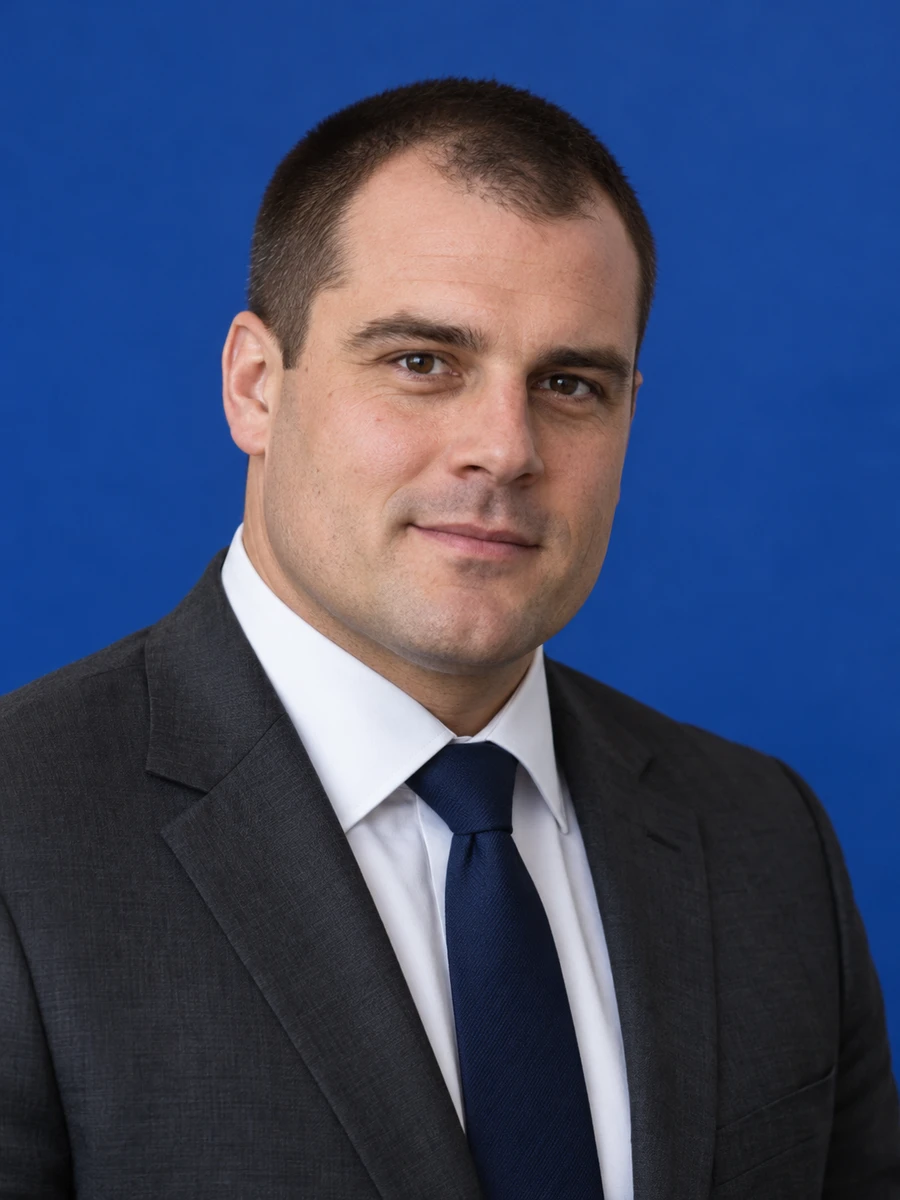
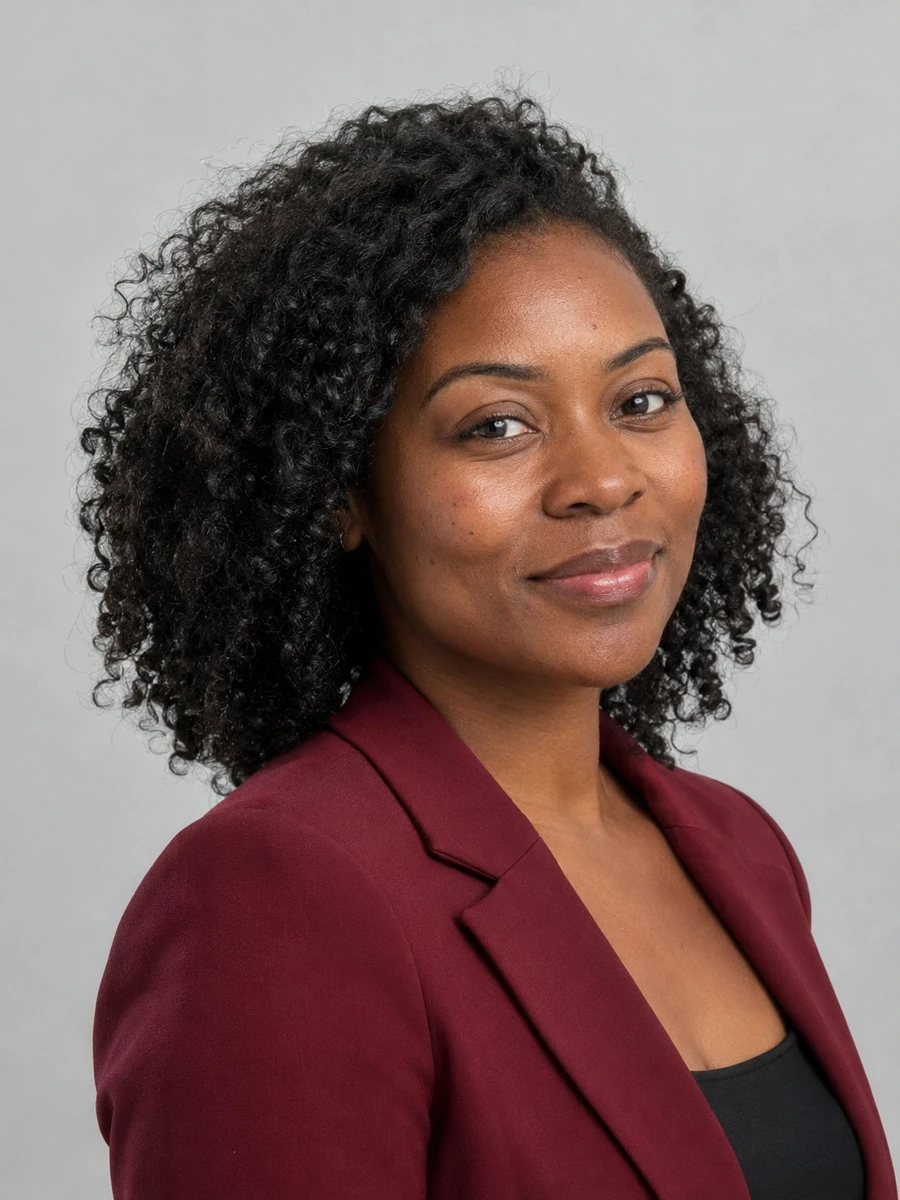
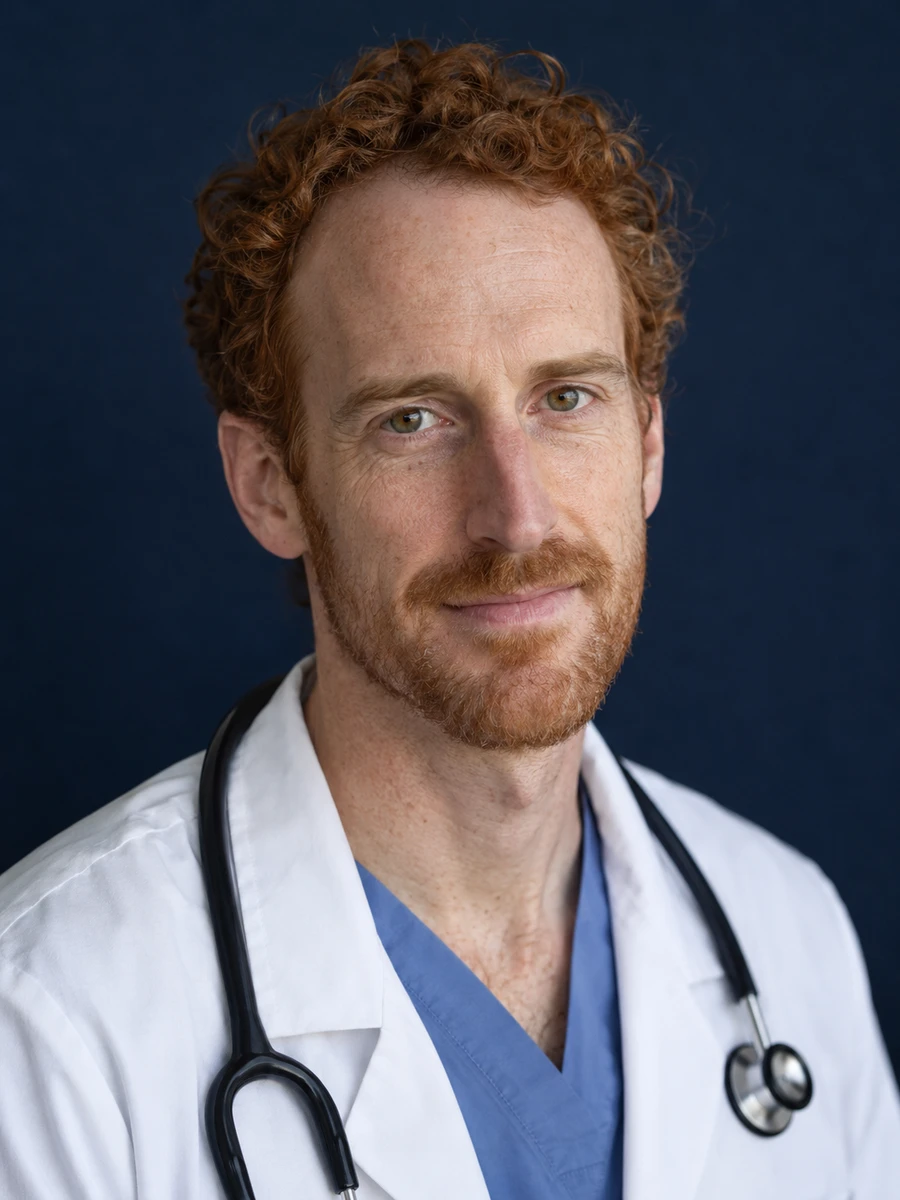
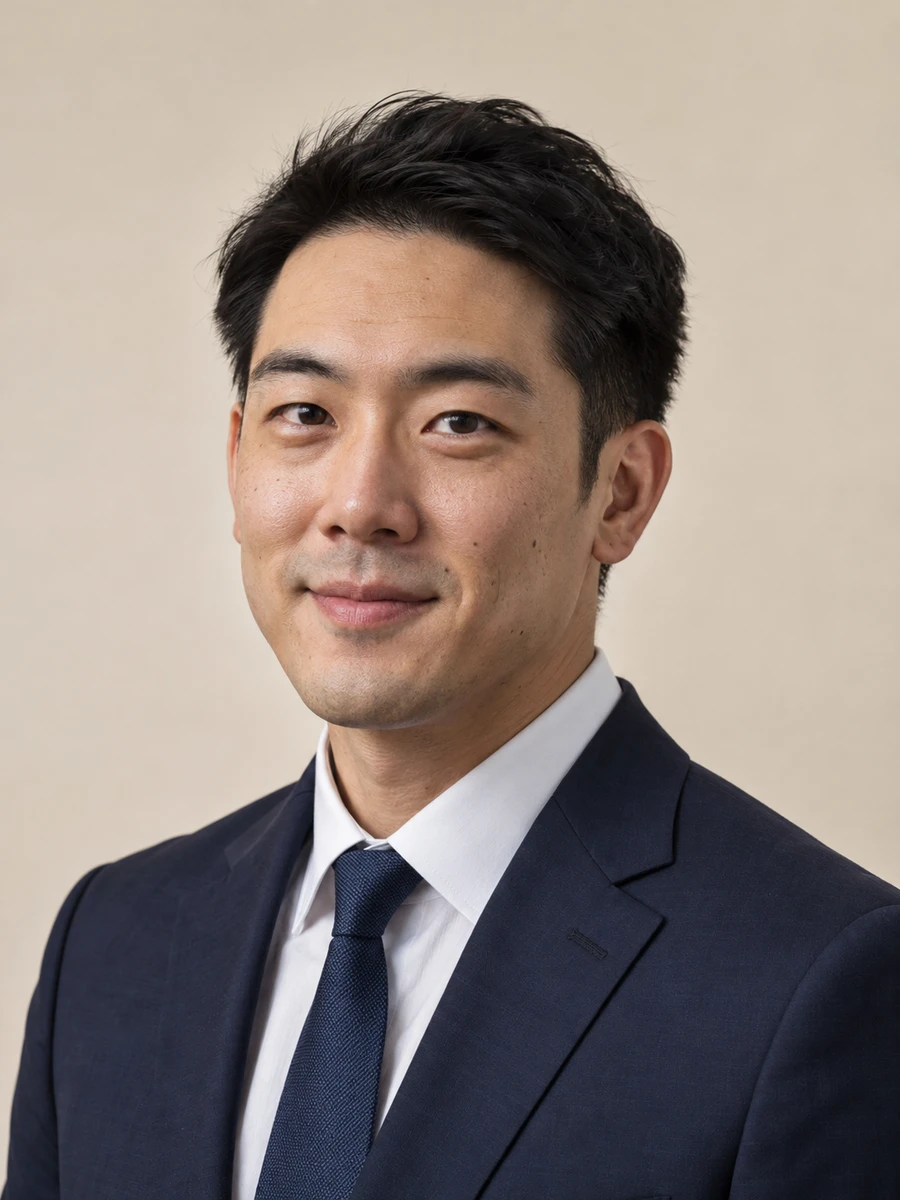

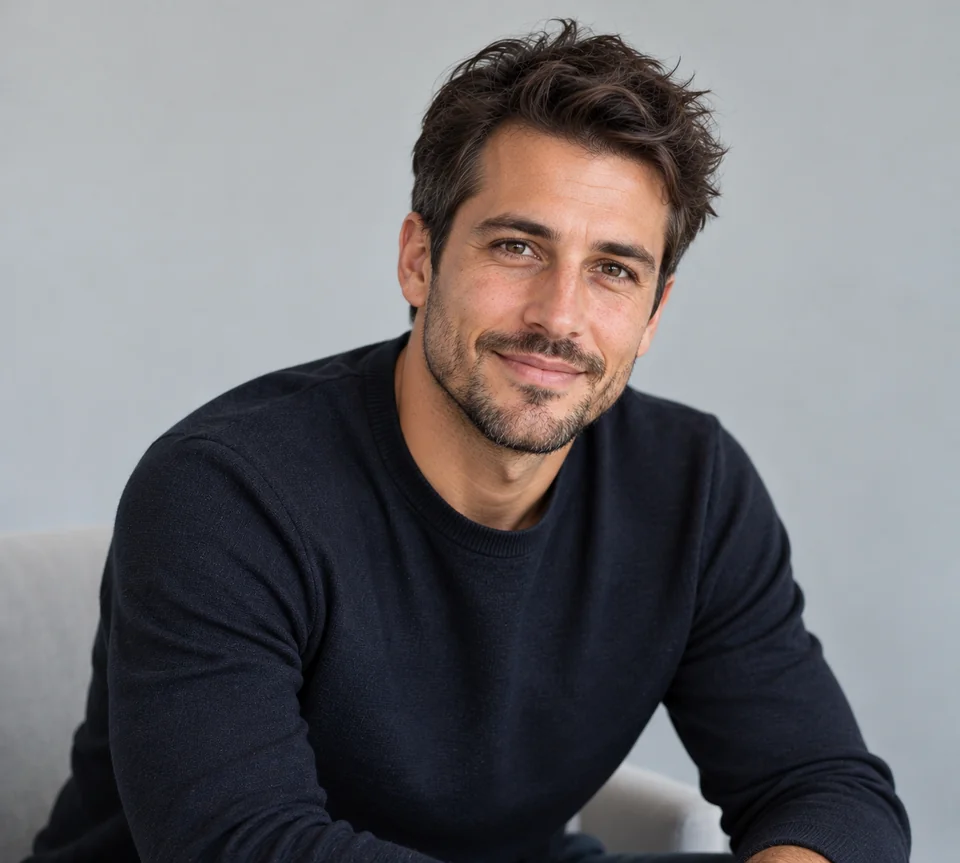
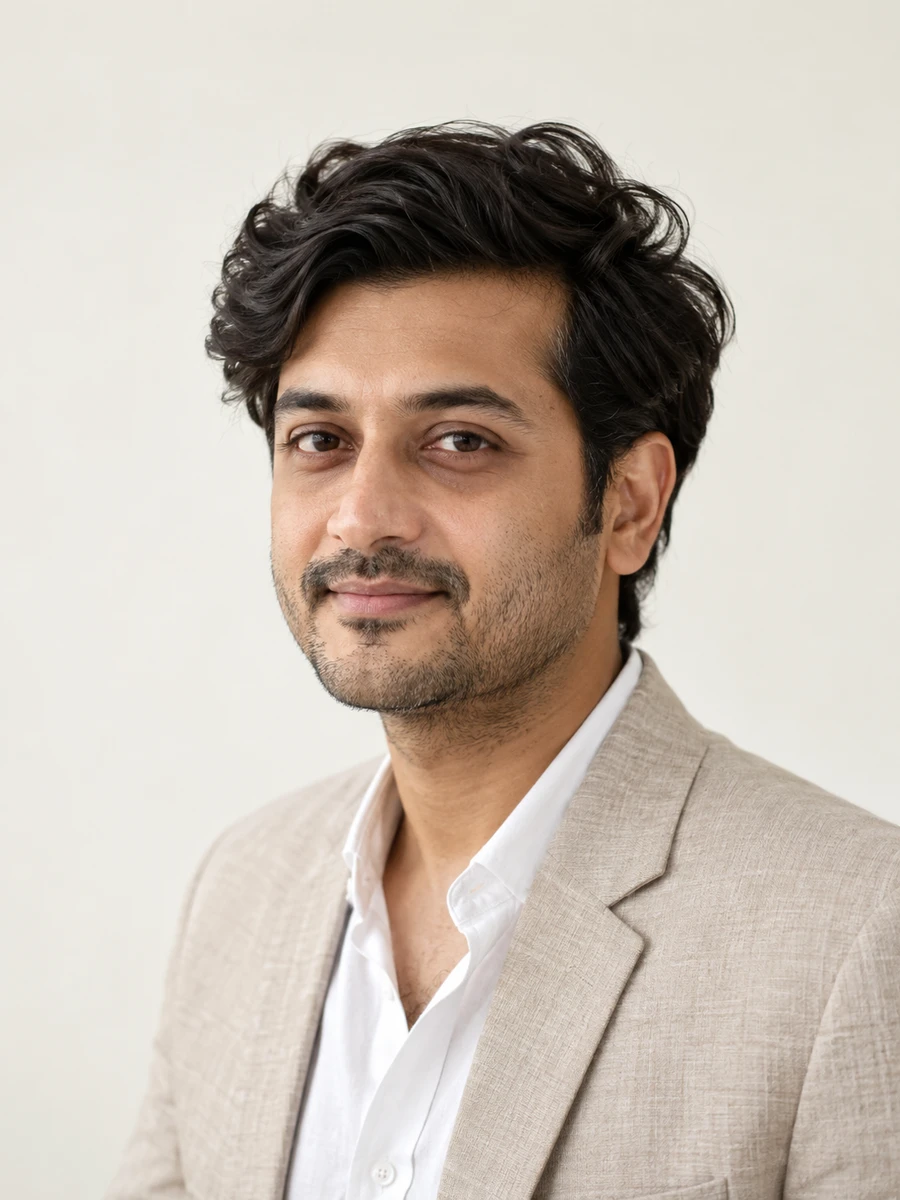
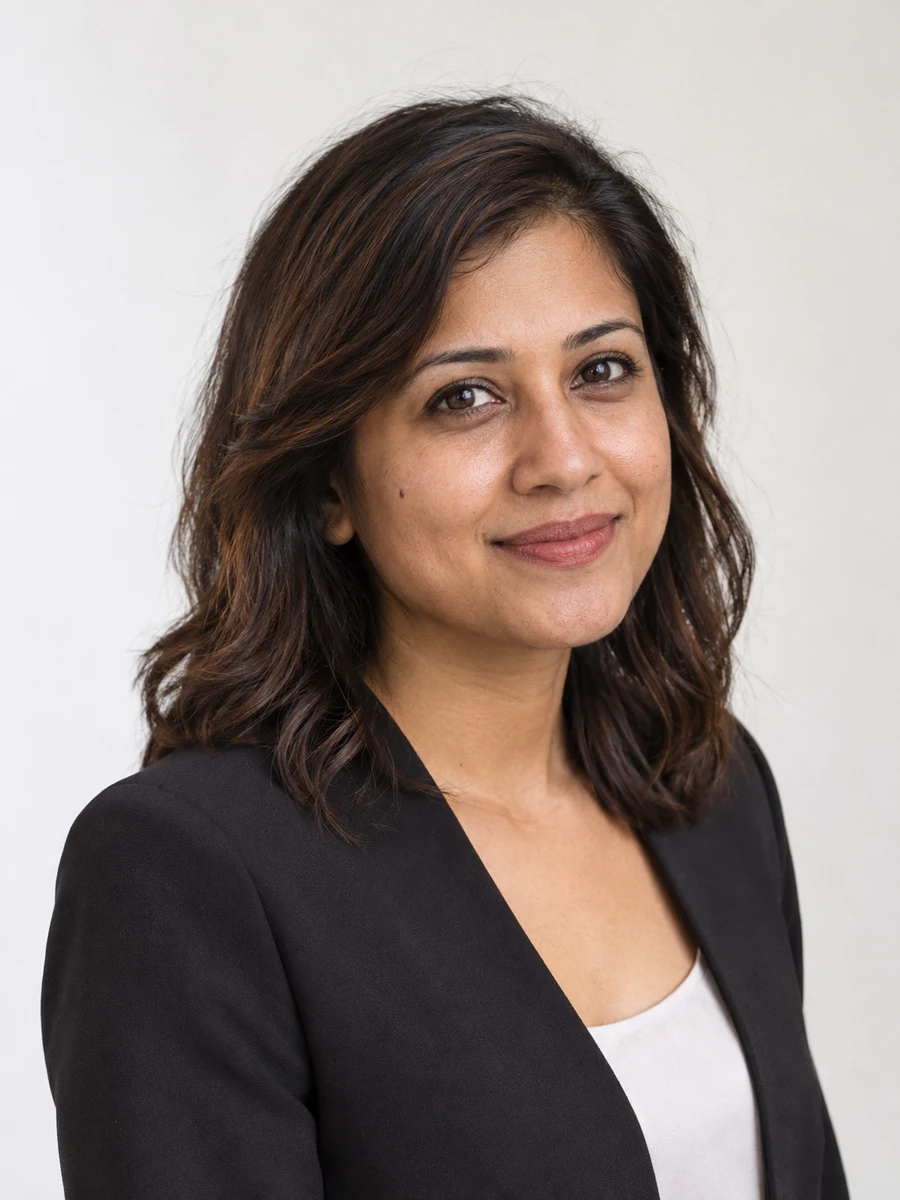
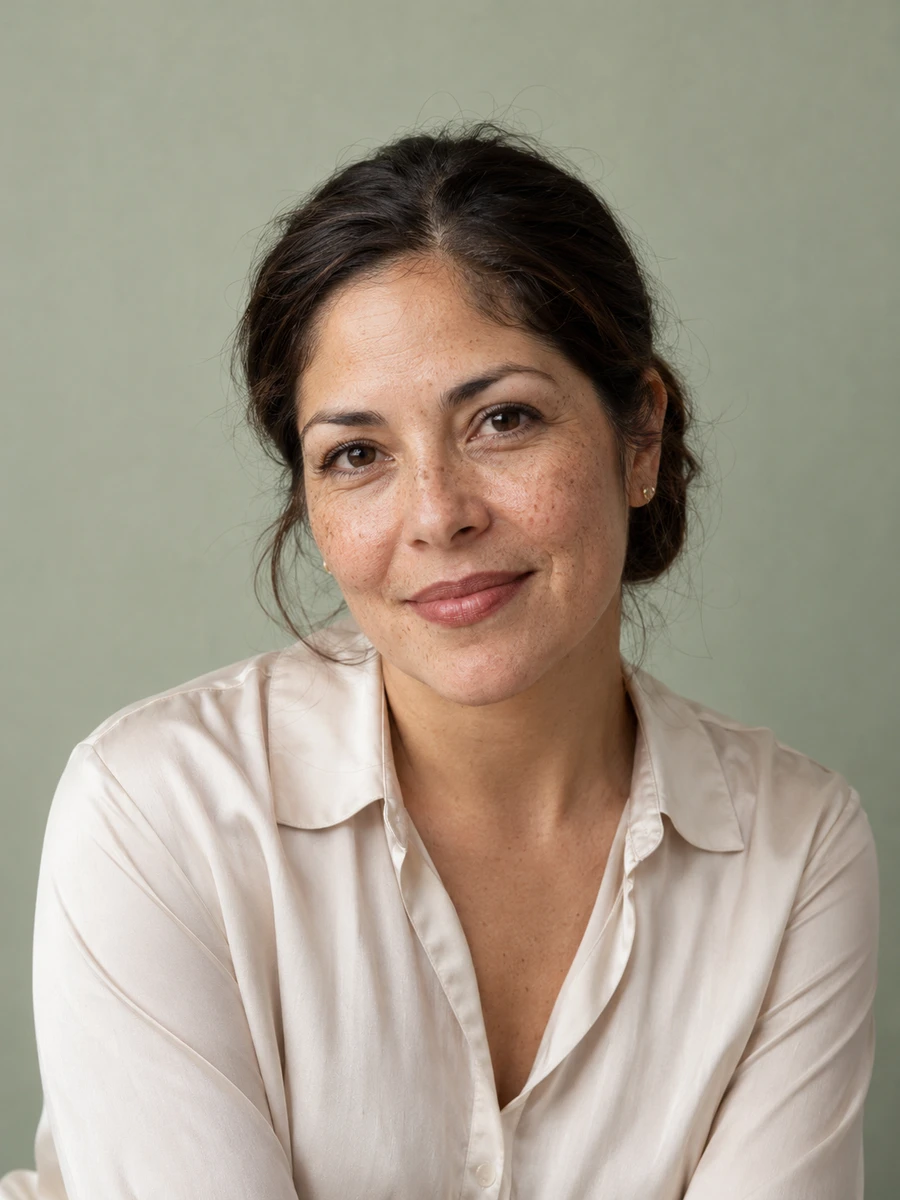
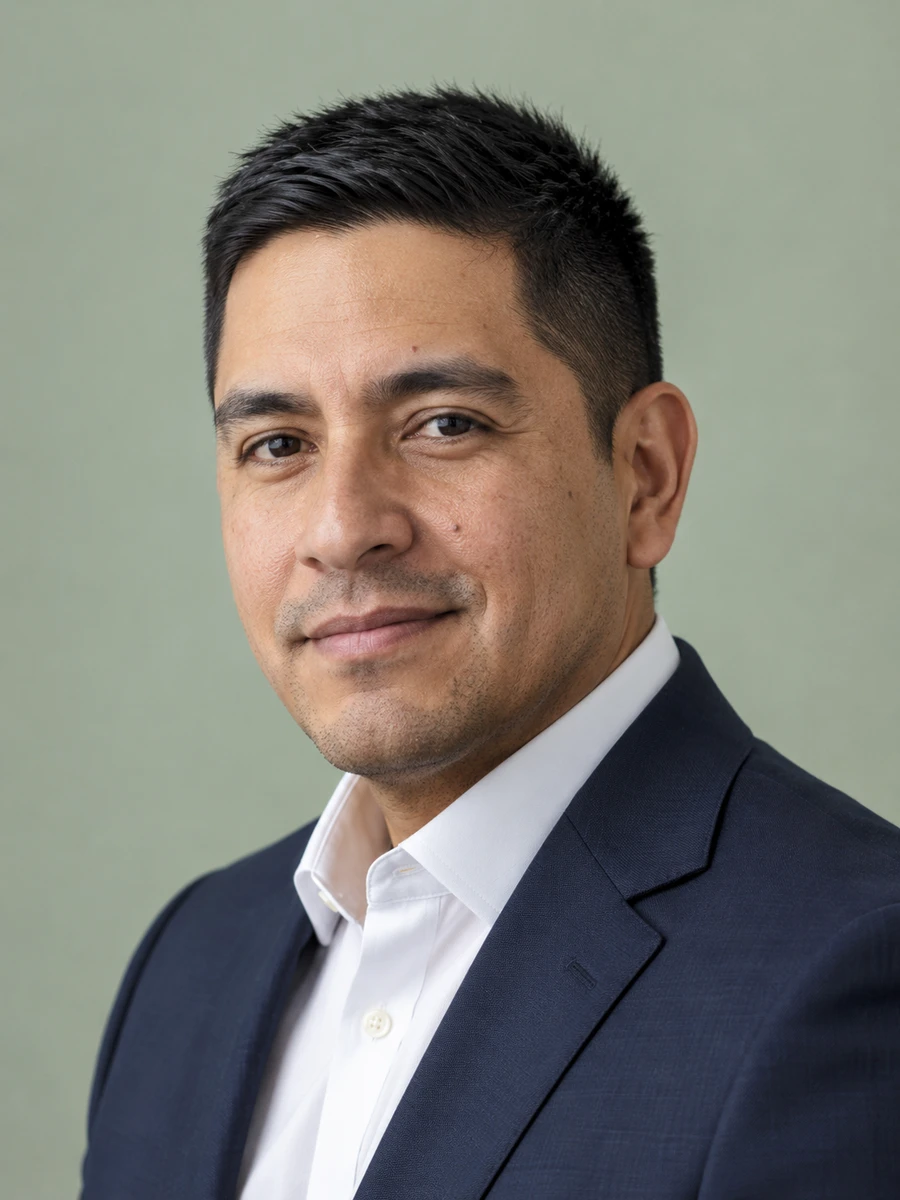
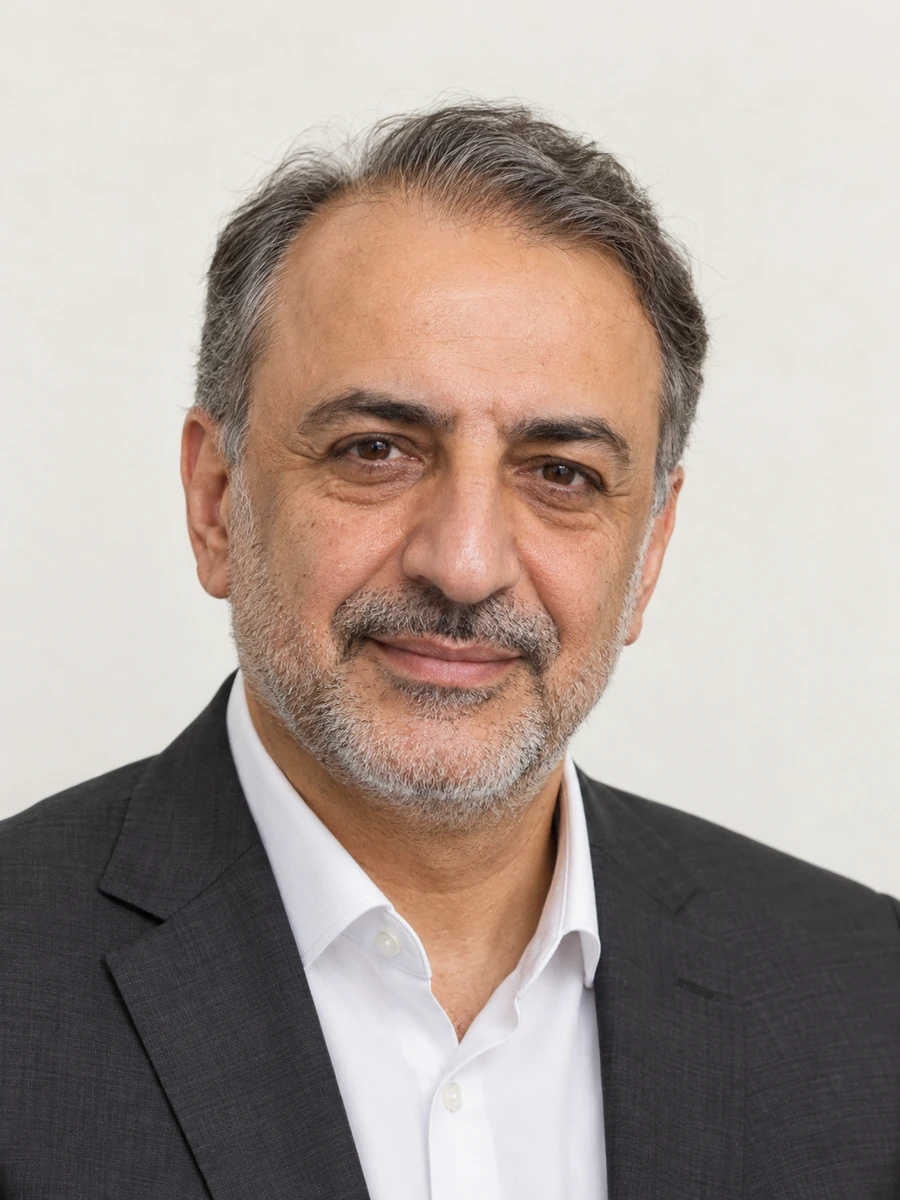
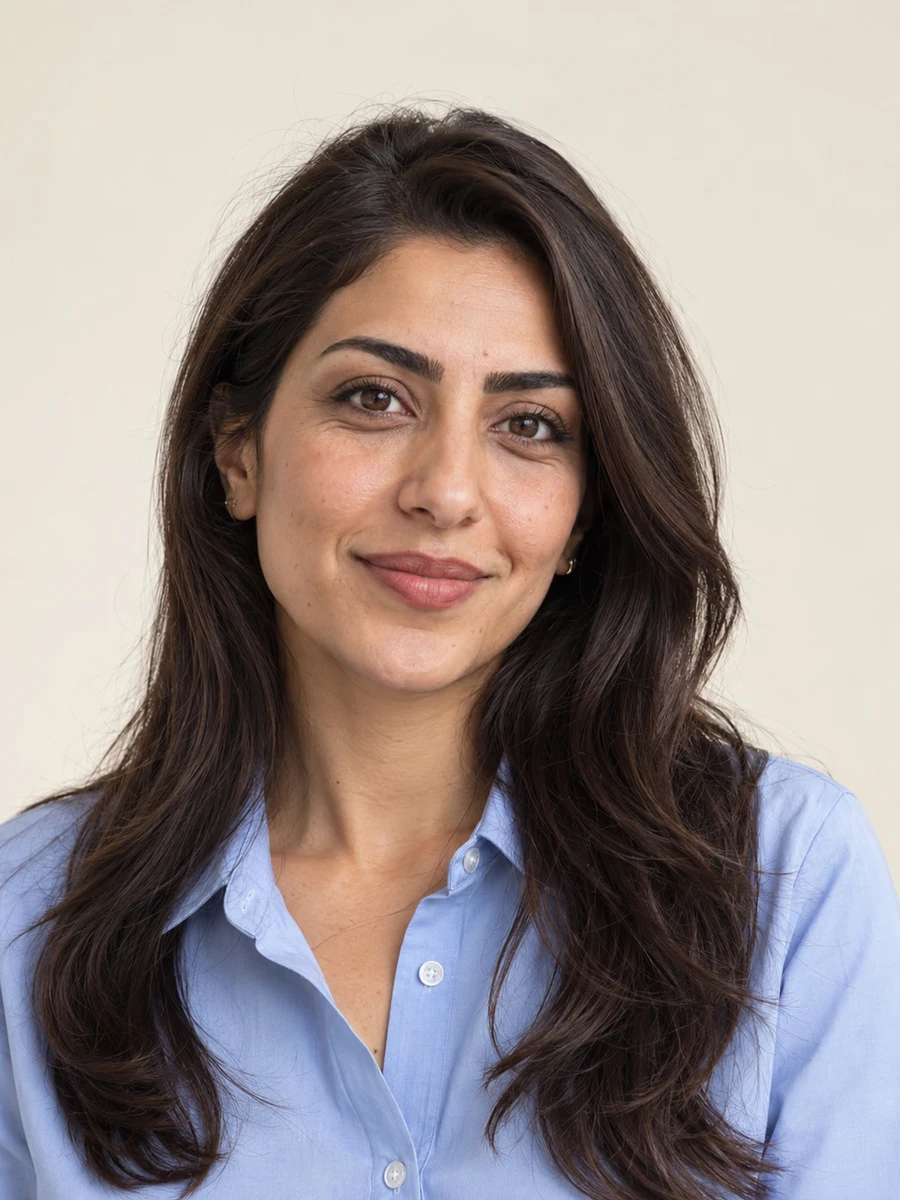
Quiet backgrounds. A confident first impression.
YOUR PROFESSIONAL PRESENCE
Create a headshot for your next career move, team bio, or personal website. Choose a result that looks like you.
Use it for résumés, company profiles, personal branding, and LinkedIn. Choose an outfit and setting that fit your role.
Create Your Professional Headshot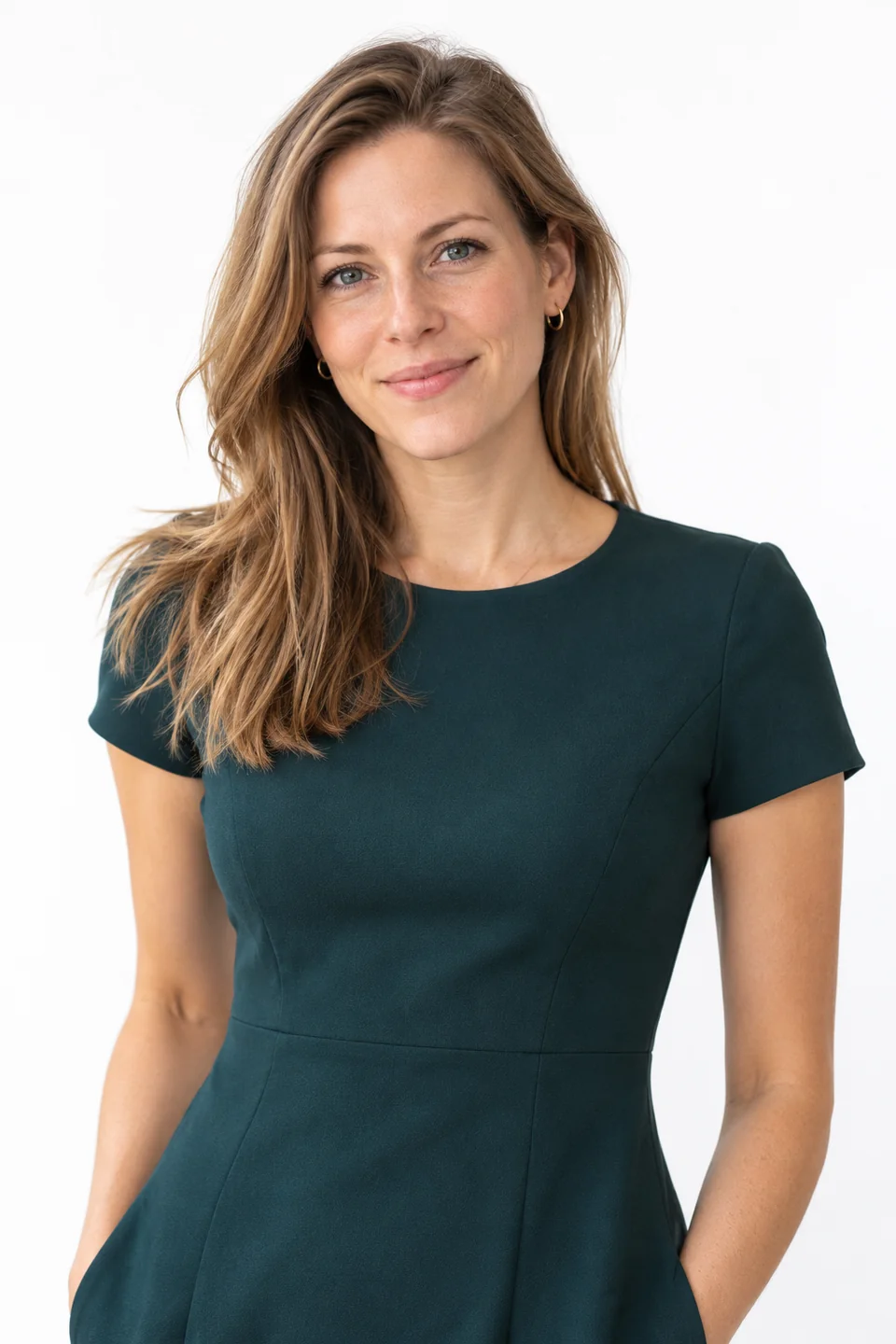
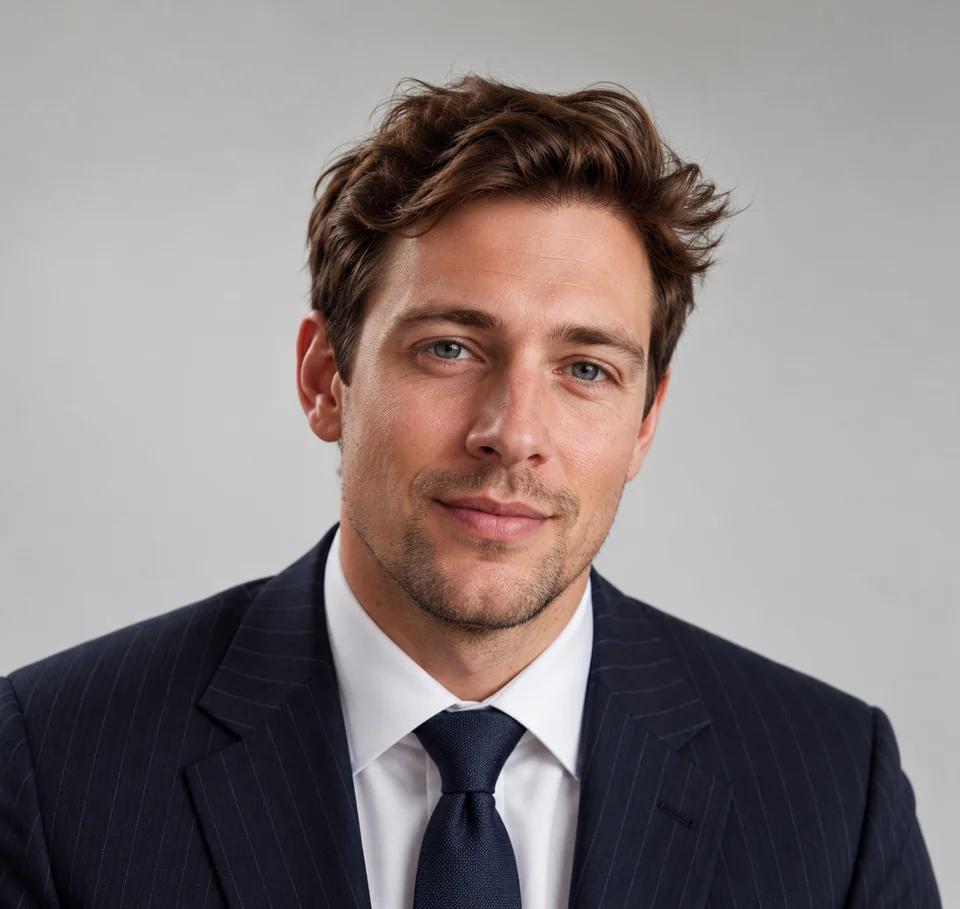
Airlines usually ask for a compliant ID or document photo: a plain light background, formal attire and a clear, natural face. An AI flight attendant ID photo helps you prepare a clean, recognizable image that follows common airline photo standards before you submit your application.
Generate a headshot with a plain light background, formal business attire and visible eyes and ears — the basics most airline applications screen for.
Use the same image across the recruitment portal, your CV and crew records so reviewers recognize you at each step.
Create a compliant ID photo from selfies at home, then check the crop and likeness before uploading.
Compare sizes, backgrounds and crops against the airline's published requirements and pick the version that fits.
Upload a compliant headshot that matches the airline's background and attire guidance.
Add a clear CV or resume photo that presents you professionally to recruiters.
Provide a consistent photo for company or training-school records where permitted.
Bring printed copies that meet the event's photo specifications.
Prepare the headshot airlines request alongside your full-length photo.
Use a tidy portrait on agency or training-school profiles if they allow generated images.
Choose clear photos with your face visible, natural lighting and no heavy filters. Use only photos of yourself.
Explore 79 outfits, 41 backgrounds, 82 hairstyles and 12 poses. Start with a style suited to the place where you will use the portrait.
Headshots are typically ready in about 3 minutes. Compare each result with your real appearance, inspect details and download the portraits you want to use.
Use these combinations as a starting point, then match the requirements of your employer, platform or publication.
| Use case | Suggested outfit | Suggested background |
|---|---|---|
| Application headshot | White shirt, blazer or suit | White or light gray |
| Recruitment CV photo | Formal business attire | Plain light background |
| Crew record photo | Airline-appropriate, neat attire | Neutral studio |
| Open-day print | Conservative suit, neat hair | Clean white wall |
| Full-length (if required) | Full business suit | Plain background |
| Consideration | Traditional photographer | AIHeadshotNow |
|---|---|---|
| Getting started | Arrange a session and prepare for the shoot | Upload 1–3 selfies online |
| Creative direction | In-person guidance and custom lighting | Choose from available outfit and background styles |
| Timing | Depends on booking and editing schedules | Typically about 3 minutes to generate |
| Trying the service | Terms depend on the photographer | 3 free headshots to review |
| Final selection | Review the photographer's delivered portraits | Check generated portraits for likeness and artifacts |
Choose a photographer when you need a specific location, live direction or an original photograph required by an institution. Generation times can vary.
Airline ID photos favor restraint: a plain light background, formal attire, natural expression and a face that is clearly you. Avoid heavy filters, sunglasses or anything that hides your eyes and ears.
Always check the specific airline's published requirements for size, background and attire before submitting. Do not add airline logos, uniforms or badges — a generated photo should represent you, not imply employment or affiliation.
For another context, explore job seeker headshots, professional headshots, LinkedIn headshots, flight attendant headshots.
Most ask for a passport-style headshot with a plain light background and formal attire, plus a full-length photo. Exact size and background rules vary, so follow each airline's published guidelines.
Confirm the airline accepts generated images first. If allowed, submit a clear, recognizable headshot and follow its size and background rules; never add logos or uniforms.
A white shirt with a blazer or suit in neutral colors reads as professional and matches common airline expectations. Keep grooming tidy and accessories minimal.
No. Do not rely on generated uniforms, badges or logos. Add any approved branding through the airline's own process.
You can try 3 free headshots before deciding whether to purchase more. Review the previews for likeness and style, and check the current pricing on the home page before buying a pack.
Use 1–3 recent, well-lit photos with your face clearly visible. Avoid sunglasses, heavy beauty filters, group photos and extreme angles. Always inspect generated results before using them publicly.
Start with your own selfies. Try 3 free headshots and choose the result that represents you best.