
A profile picture that stays clear
Use a simple background and a head-and-shoulders composition so your face remains readable in search results, connection requests and the message inbox.
LinkedIn · Professional AI headshots
Create professional LinkedIn headshots from your selfies. Choose a polished profile photo with natural lighting and a clean background. Try 3 free headshots.
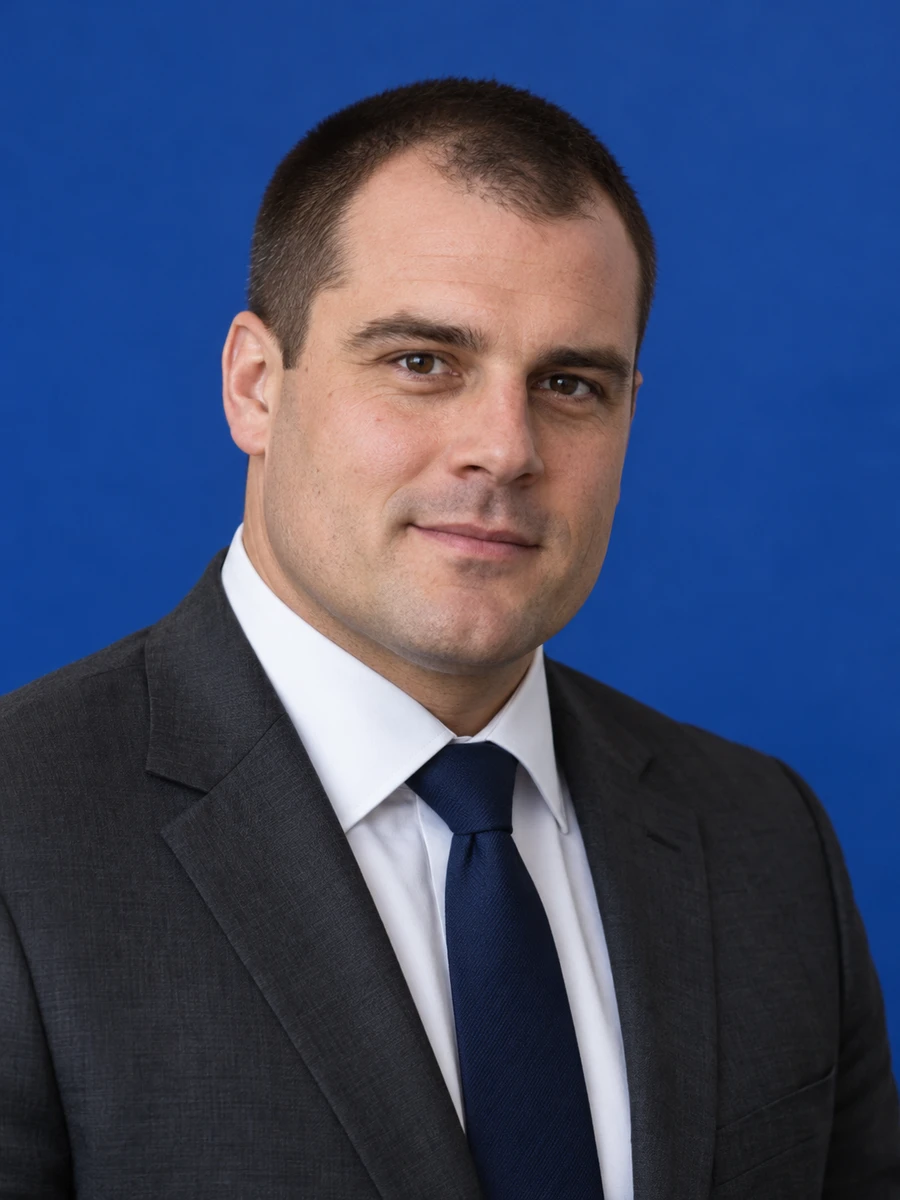
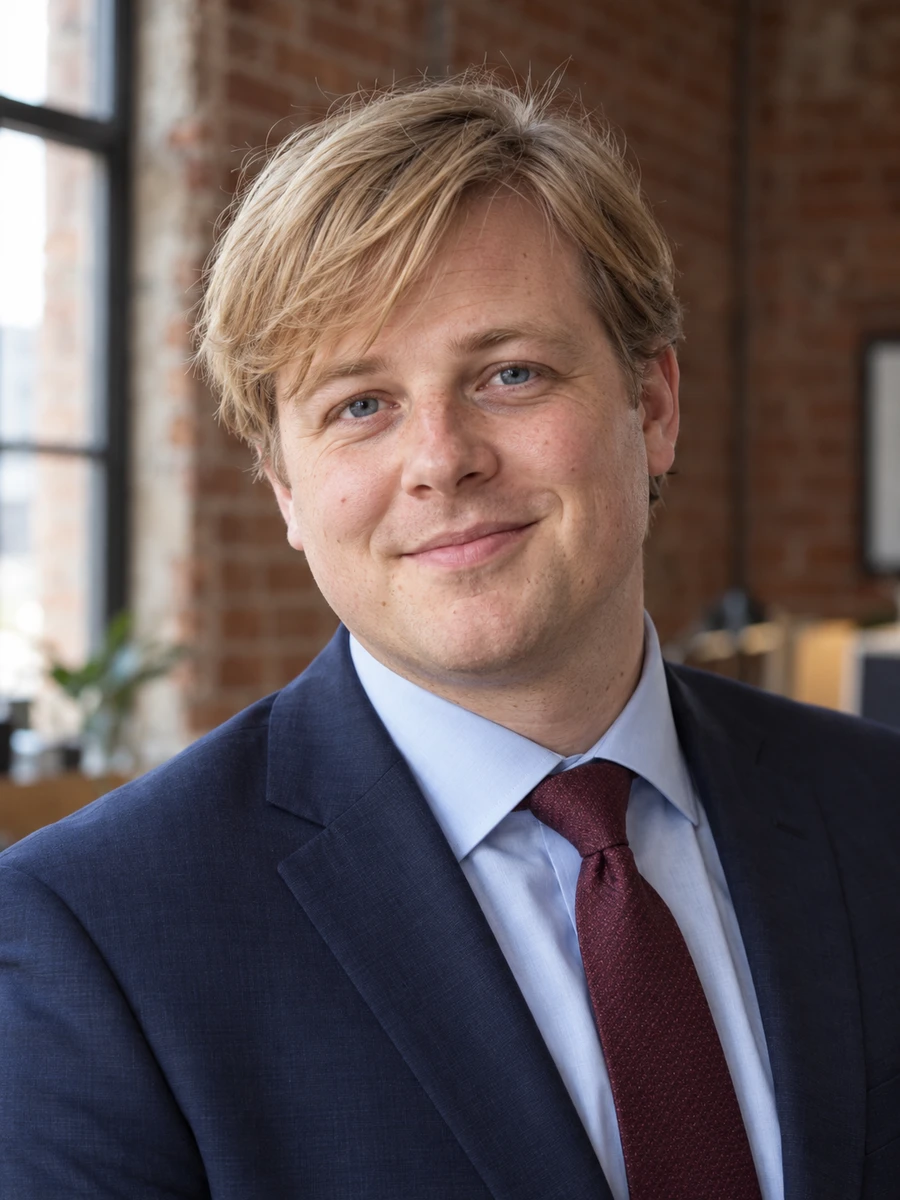
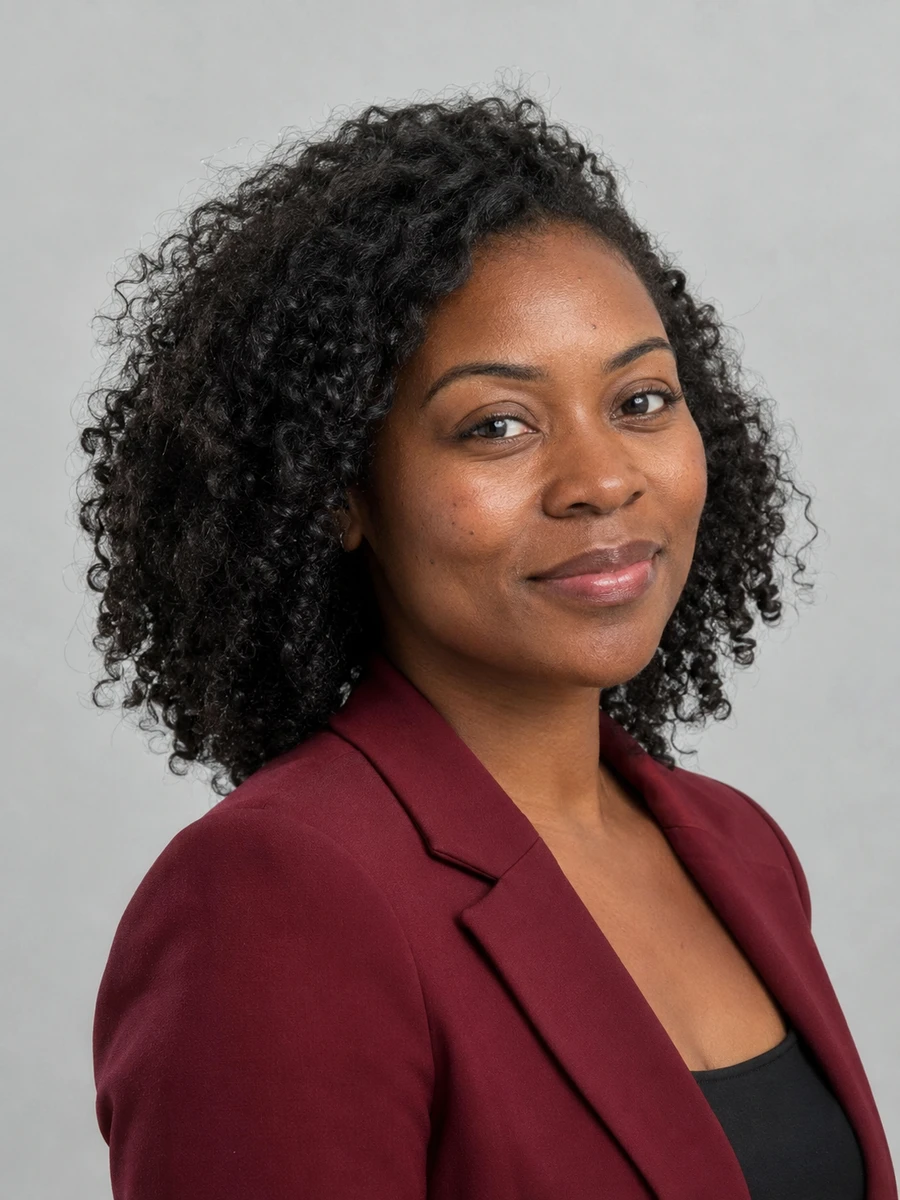
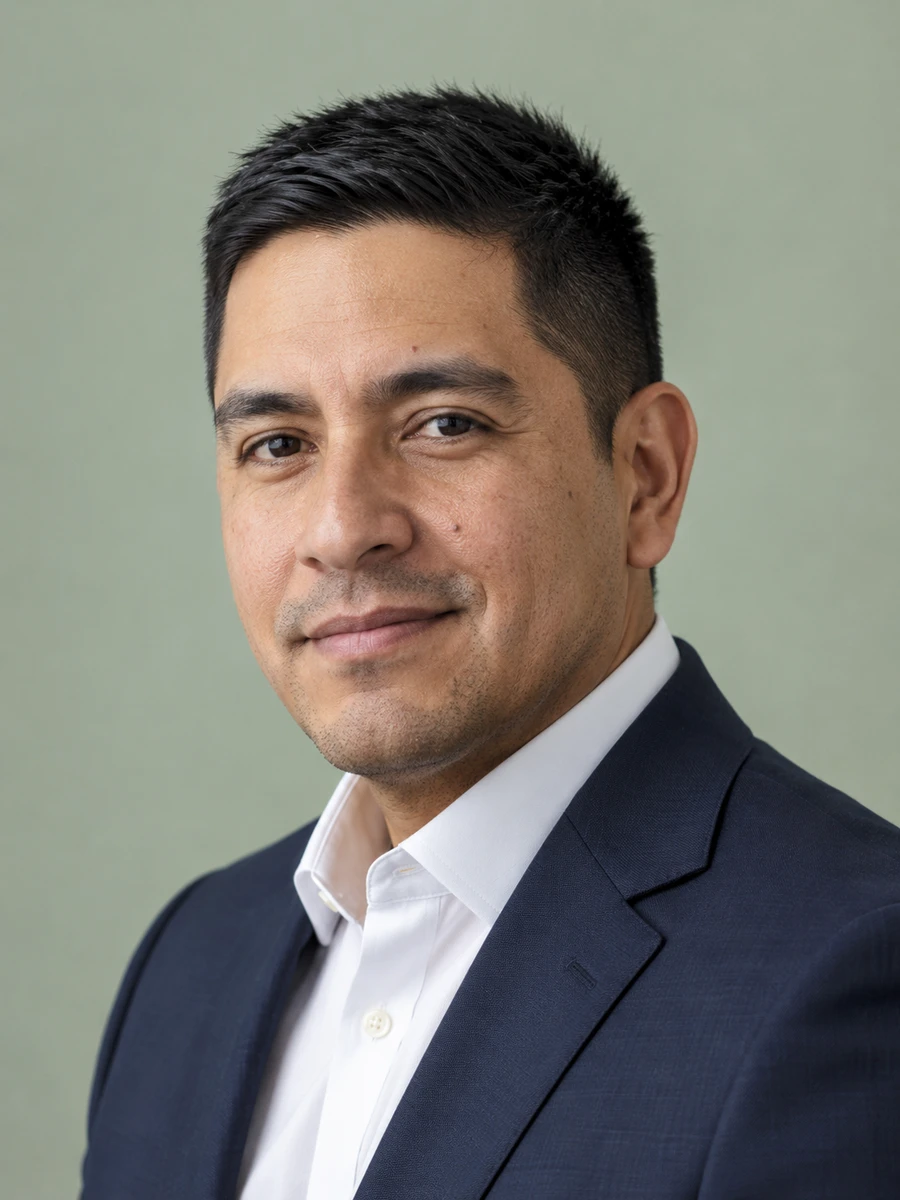
Your LinkedIn profile picture appears beside your experience, messages and comments. Choose a clear, recognizable portrait that works in a small circular crop and still feels like you when you meet someone in person.
Use a simple background and a head-and-shoulders composition so your face remains readable in search results, connection requests and the message inbox.
Compare formal and business-casual styles. A finance profile may call for a suit, while a product designer might prefer a plain top or relaxed blazer.
Start with recent selfies and select results that preserve your features, age and natural expression. A polished image should still be easy for colleagues to recognize.
Try the free headshots to check likeness, lighting and crop before deciding whether you want more options for your professional profile.
Choose a centered portrait with breathing room around your head so a circular crop does not cut into your face.
Use the same recognizable face when reaching out to a former colleague, hiring manager or potential client.
A consistent profile image helps readers recognize the person behind your professional updates.
Pair your LinkedIn headshot with a matching portrait for your employer's website.
Use a compact crop with a quiet background that remains legible at a small size.
Keep a wider version available for webinar pages and professional event introductions.
Choose clear photos with your face visible, natural lighting and no heavy filters. Use only photos of yourself.
Explore 75 outfits, 41 backgrounds, 76 hairstyles and 10 poses. Start with a style suited to the place where you will use the portrait.
Headshots are typically ready in about 3 minutes. Compare each result with your real appearance, inspect details and download the portraits you want to use.
Use these combinations as a starting point, then match the requirements of your employer, platform or publication.
| Use case | Suggested outfit | Suggested background |
|---|---|---|
| Finance or legal | Dark suit, plain shirt | Neutral gray or navy |
| Technology or product | Open-collar shirt, relaxed blazer | Light neutral studio |
| Creative services | Simple top with one accent color | Uncluttered, softly blurred setting |
| Client-facing role | Business casual, friendly expression | Bright, understated backdrop |
| Career transition | Clothing suited to your target role | Clean, distraction-free background |
| Consideration | Traditional photographer | AIHeadshotNow |
|---|---|---|
| Getting started | Arrange a session and prepare for the shoot | Upload 1–3 selfies online |
| Creative direction | In-person guidance and custom lighting | Choose from available outfit and background styles |
| Timing | Depends on booking and editing schedules | Typically about 3 minutes to generate |
| Trying the service | Terms depend on the photographer | 3 free headshots to review |
| Final selection | Review the photographer's delivered portraits | Check generated portraits for likeness and artifacts |
Choose a photographer when you need a specific location, live direction or an original photograph required by an institution. Generation times can vary.
A good LinkedIn headshot puts your face first. Keep your eyes visible, use even lighting and avoid a crop taken from a group photo. Preview the image at the small size people see in the feed, rather than judging only the full-resolution download.
Leave enough space around your hair and shoulders for the circular profile frame. Compare the AI result with your original photos, especially your eyes, teeth, glasses and hairline. Keep the portrait that looks most like your current appearance.
Before uploading, review LinkedIn's profile photo guidance. AIHeadshotNow is an independent service and is not affiliated with LinkedIn.
For another context, explore job seeker headshots, professional headshots, executive headshots.
Upload 1–3 clear, recent selfies, select an outfit and background, and generate your options. Review likeness carefully, then crop your chosen headshot for the LinkedIn profile frame.
Choose what you would wear to meet someone in your target role or industry. Solid colors, a plain shirt and a well-fitting blazer are versatile. Avoid busy patterns that distract from your face.
Review LinkedIn's current photo guidance and choose an image that accurately represents you. Check that the generated face is recognizable and does not imply a false identity, credential or affiliation.
White is one option, but a light gray, muted blue or softly blurred background can also work. The useful test is whether your face stands out clearly in the small profile crop.
You can try 3 free headshots before deciding whether to purchase more. Review the previews for likeness and style, and check the current pricing on the home page before buying a pack.
Use 1–3 recent, well-lit photos with your face clearly visible. Avoid sunglasses, heavy beauty filters, group photos and extreme angles. Always inspect generated results before using them publicly.
Start with your own selfies. Try 3 free headshots and choose the result that represents you best.