
One recognizable work identity
Keep your company bio, collaboration tools and professional networking profile consistent with a current portrait.
Professional · Professional AI headshots
Generate professional business headshots for company websites, work profiles and LinkedIn. Choose outfits and backgrounds from your selfies. Try 3 free.
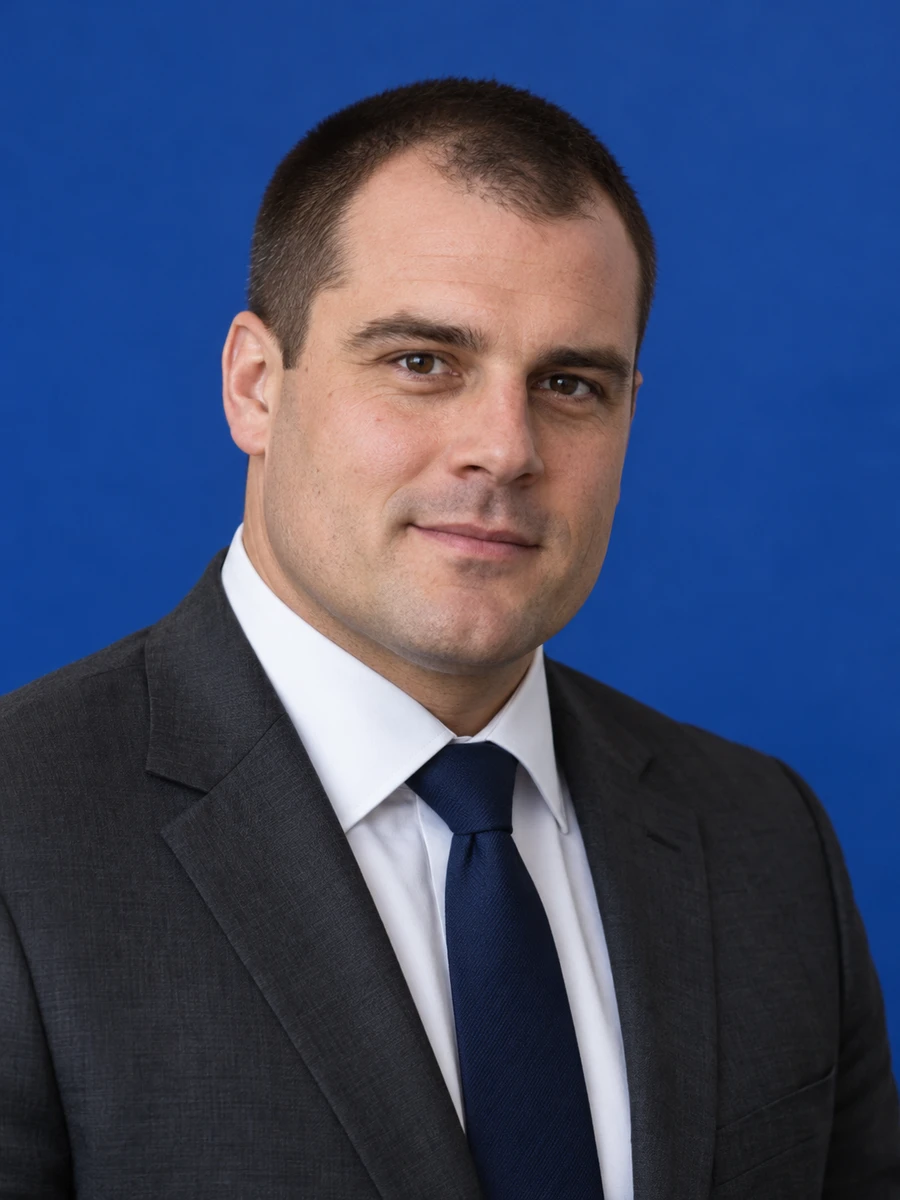

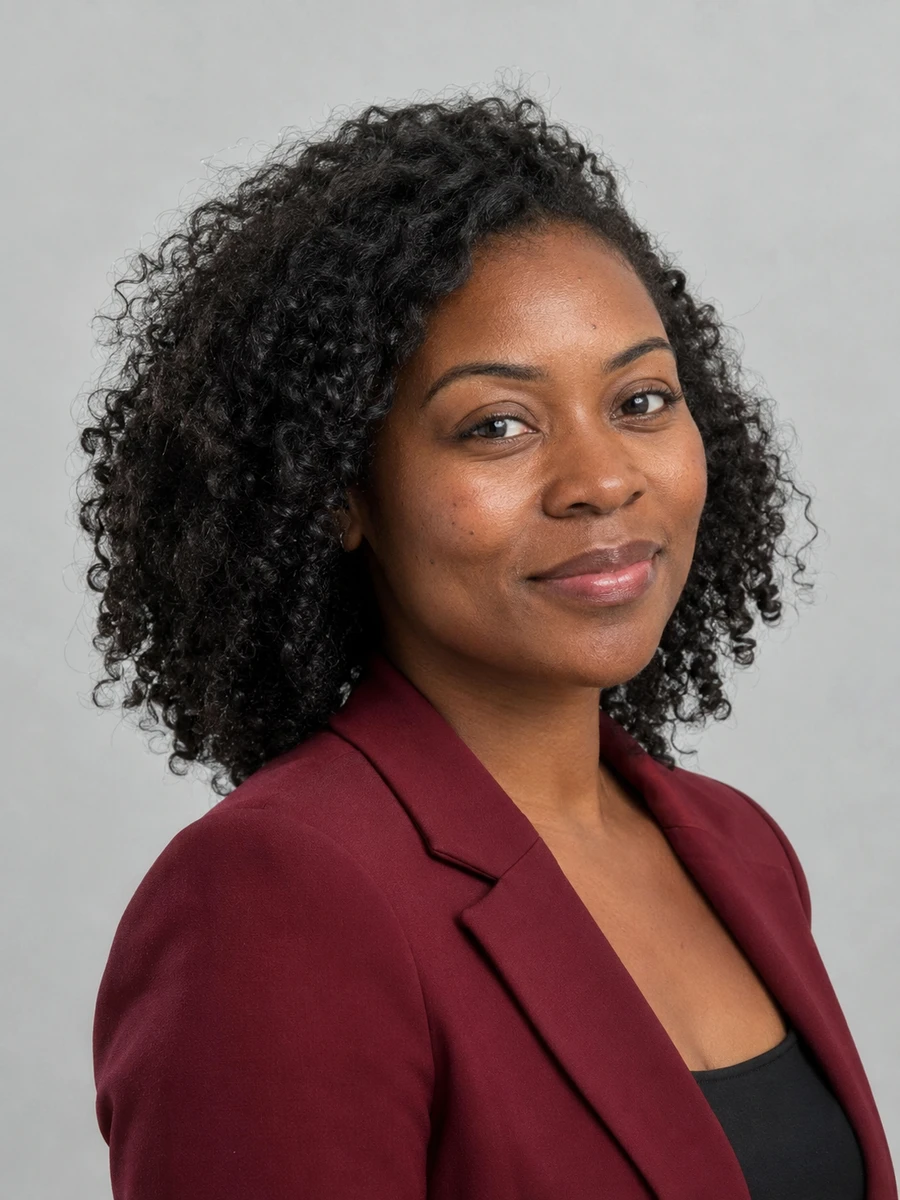
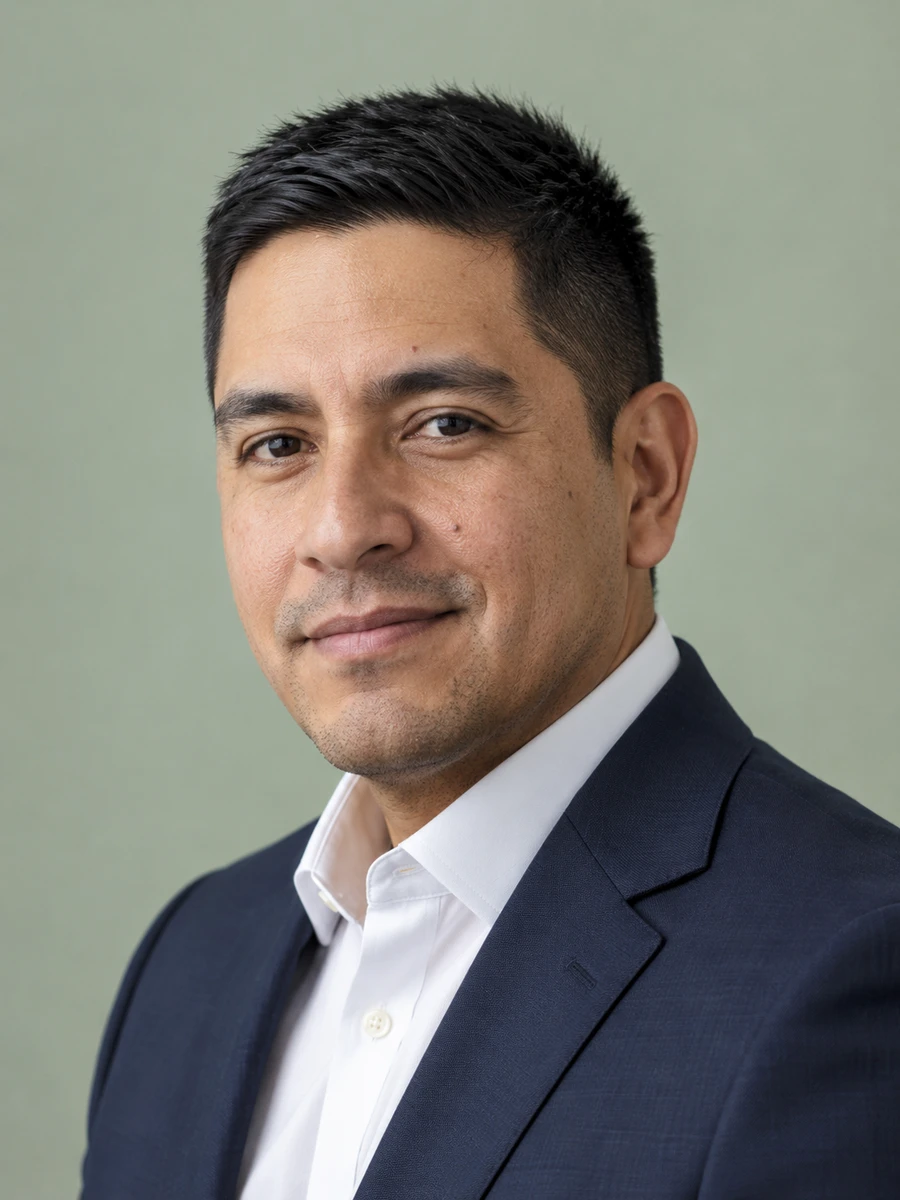
A business headshot is part of your everyday introduction, from a company directory to a client email. Create a current professional portrait with clear framing and a style that fits the way your workplace presents its people.
Keep your company bio, collaboration tools and professional networking profile consistent with a current portrait.
Compare formal corporate attire with business casual instead of choosing an outfit that feels disconnected from your day-to-day role.
Choose a simple background and a close portrait that remains clear in an email signature or staff directory thumbnail.
Generate new options when joining a company, changing teams or updating a public biography, without arranging a dedicated photo session.
Use a consistent crop that helps colleagues recognize you across departments and offices.
Choose a polished portrait suited to your employer's public team page.
Keep your face clear in the small avatar used in meetings, messages and project updates.
Select a simple crop that remains legible without a large image attachment.
Prepare a current headshot for a member biography or industry introduction.
Match your public profile to the professional identity you use with colleagues and clients.
Choose clear photos with your face visible, natural lighting and no heavy filters. Use only photos of yourself.
Explore 75 outfits, 41 backgrounds, 76 hairstyles and 10 poses. Start with a style suited to the place where you will use the portrait.
Headshots are typically ready in about 3 minutes. Compare each result with your real appearance, inspect details and download the portraits you want to use.
Use these combinations as a starting point, then match the requirements of your employer, platform or publication.
| Use case | Suggested outfit | Suggested background |
|---|---|---|
| Corporate team page | Match your company's dress standard | Consistent team background |
| Internal work profile | Simple business casual | Light, plain backdrop |
| Client-facing business bio | Blazer or structured top | Gray or muted blue |
| Creative workplace | Relaxed, solid-color outfit | Quiet background with soft color |
| Professional association | Industry-appropriate attire | Neutral studio setting |
| Consideration | Traditional photographer | AIHeadshotNow |
|---|---|---|
| Getting started | Arrange a session and prepare for the shoot | Upload 1–3 selfies online |
| Creative direction | In-person guidance and custom lighting | Choose from available outfit and background styles |
| Timing | Depends on booking and editing schedules | Typically about 3 minutes to generate |
| Trying the service | Terms depend on the photographer | 3 free headshots to review |
| Final selection | Review the photographer's delivered portraits | Check generated portraits for likeness and artifacts |
Choose a photographer when you need a specific location, live direction or an original photograph required by an institution. Generation times can vary.
For a versatile professional headshot, keep the background simple and the framing close enough for your face to stay visible. A chest-up portrait usually gives you room to create both a square avatar and a wider team-page crop.
Before uploading, compare the photo with your current appearance and your organization's style guide. Check glasses, teeth, hair and clothing for generated artifacts. Use the original download for your main files, then create smaller copies for each work platform as needed.
For another context, explore LinkedIn headshots, job seeker headshots, executive headshots.
A business headshot is composed for a professional profile: clear facial framing, suitable clothing and a background that does not distract. A casual photo may work socially but can be harder to crop consistently for work.
No. The right outfit depends on your workplace and audience. Business casual can look professional when the clothing, lighting and background are simple and coherent.
Check the company's policy and obtain any required approval. Choose a portrait that accurately represents you and fits the visual standards of the team page.
Update it when your appearance changes noticeably, when the existing image becomes outdated or when your employer's visual style changes. The goal is to remain easy to recognize.
You can try 3 free headshots before deciding whether to purchase more. Review the previews for likeness and style, and check the current pricing on the home page before buying a pack.
Use 1–3 recent, well-lit photos with your face clearly visible. Avoid sunglasses, heavy beauty filters, group photos and extreme angles. Always inspect generated results before using them publicly.
Start with your own selfies. Try 3 free headshots and choose the result that represents you best.