Dress for your target role
Try outfits that fit the industry you want to join. A corporate graduate role and a design internship may call for different levels of formality.
Job Seeker · Professional AI headshots
Create professional headshots for your job search, LinkedIn profile and career portfolio. Turn selfies into a polished, recognizable photo. Try 3 free.
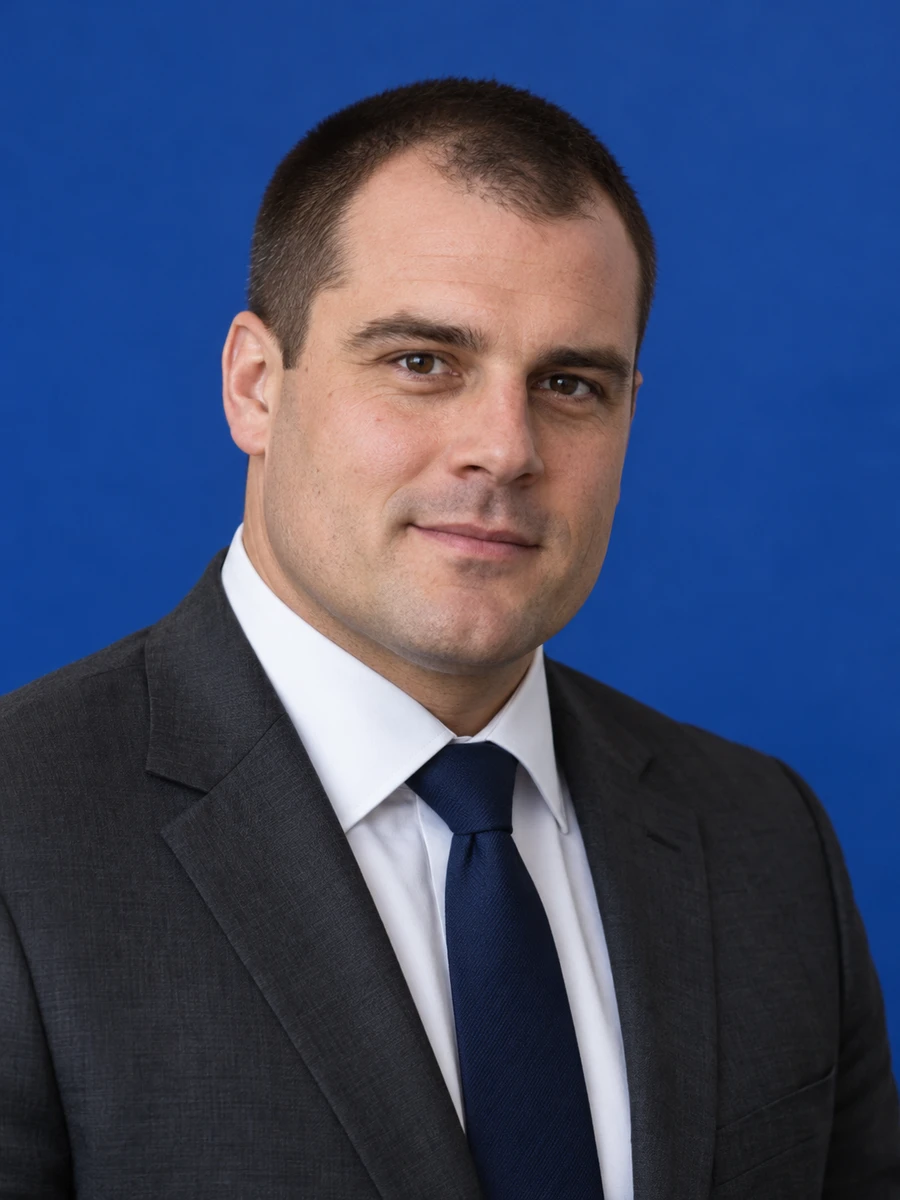
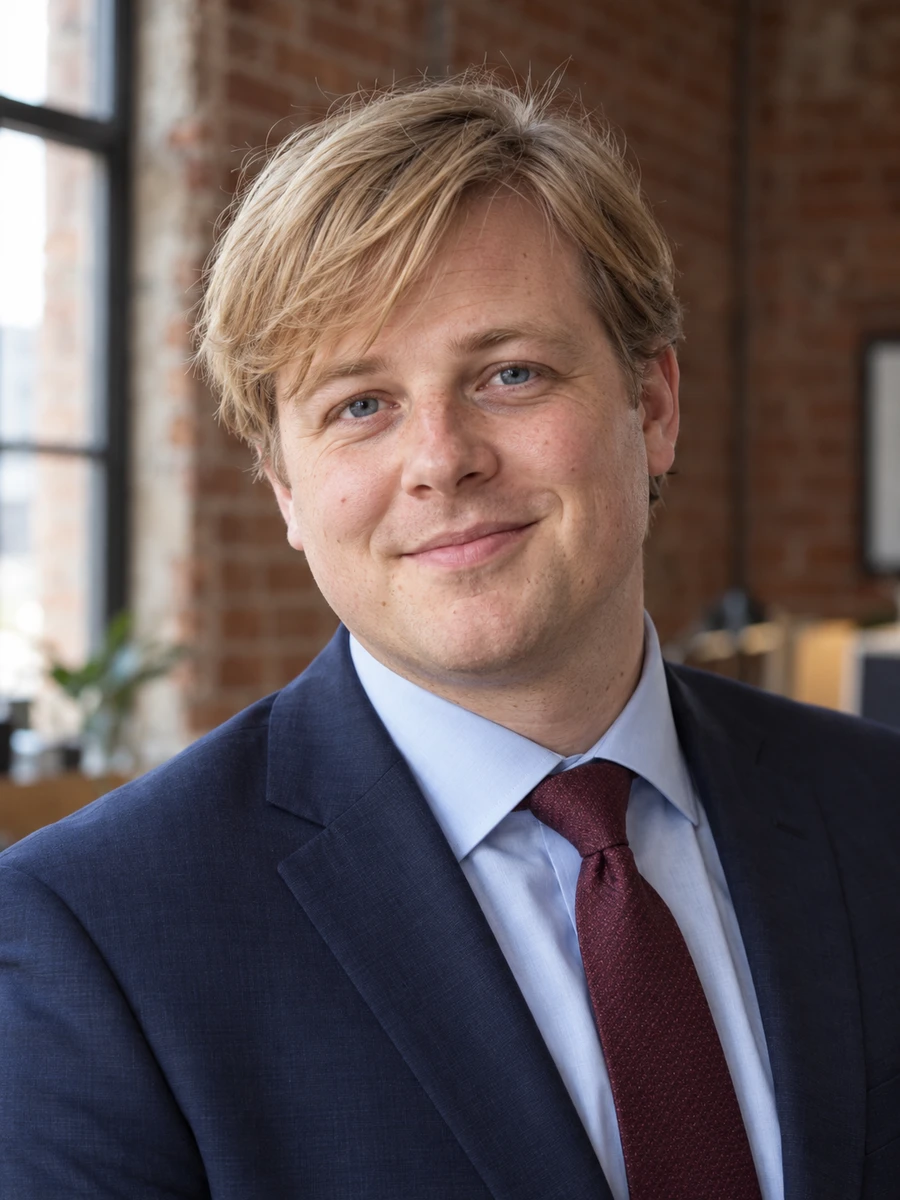
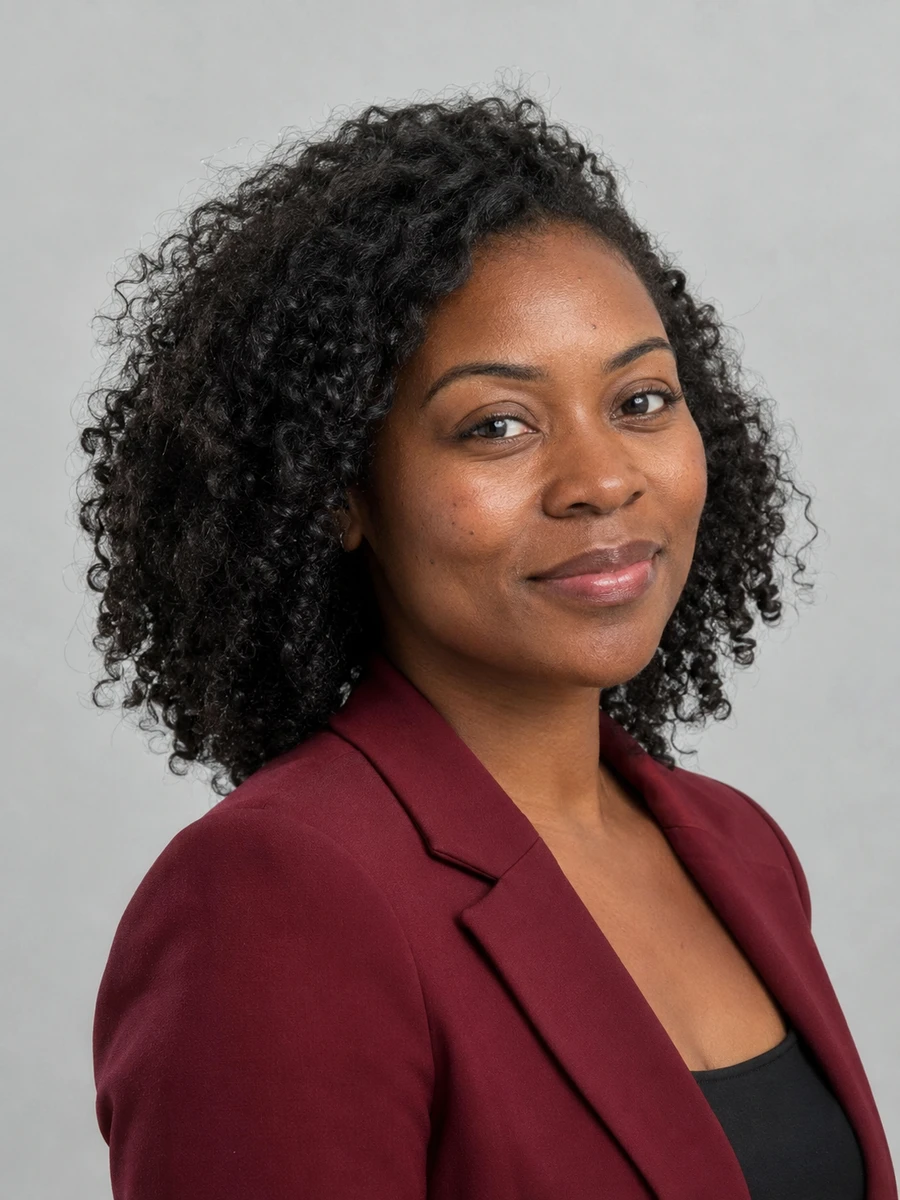
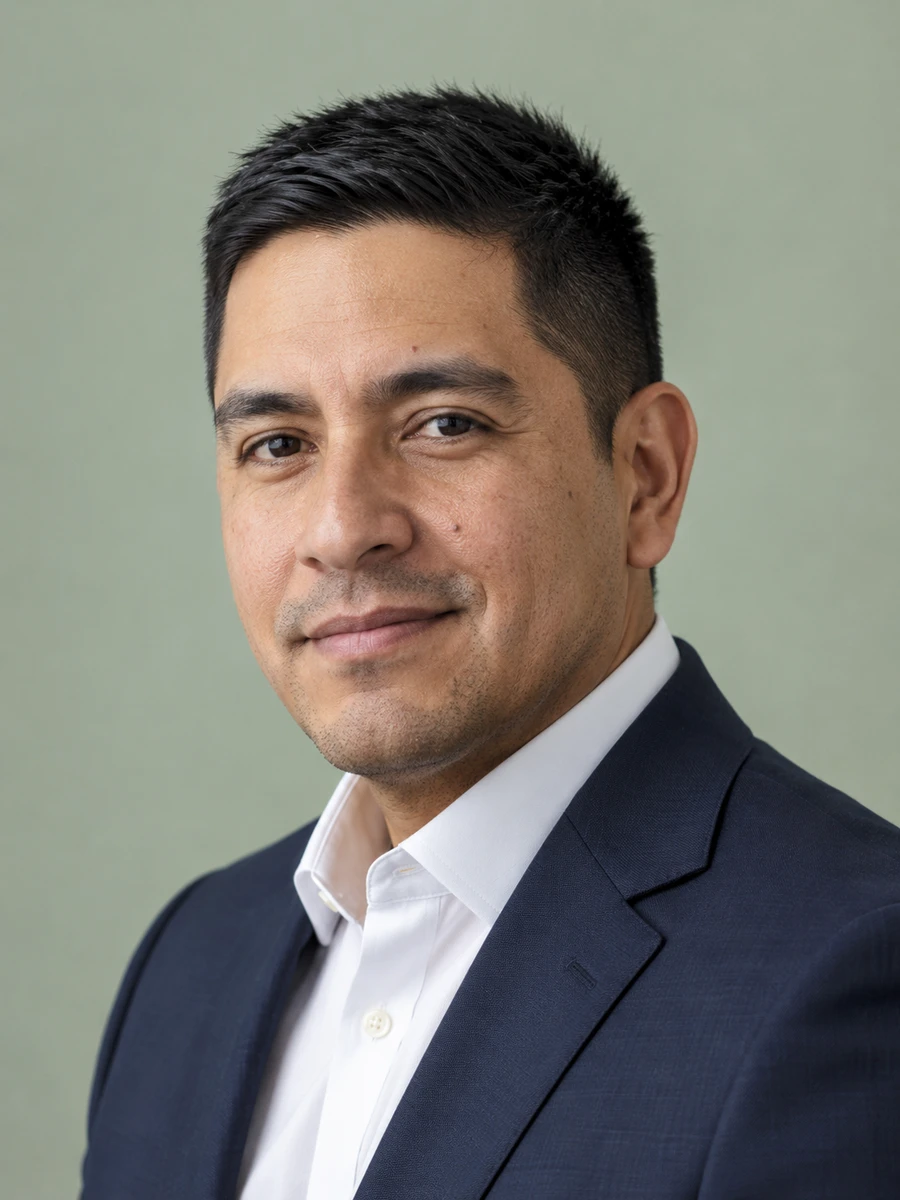
An updated career photo gives you a consistent introduction across LinkedIn, networking profiles and a personal portfolio. Choose a headshot that fits the work you are pursuing and reflects how you look today.
Try outfits that fit the industry you want to join. A corporate graduate role and a design internship may call for different levels of formality.
Compare the first headshots with your original selfies before deciding whether to buy a larger set. Choose likeness over excessive retouching.
Use a recognizable portrait across your professional profiles so people can connect a networking conversation with your online presence.
Generate options from home when you are preparing a portfolio, attending a careers event or updating your public profile.
Add a clear, current photo to the profile where you describe your skills and experience.
Introduce yourself beside work samples, projects and a short professional biography.
Help people recognize you before a careers event or an informational conversation.
Prepare a professional portrait for an alumni page or early-career introduction.
Use a consistent profile photo when describing the skills you offer to prospective clients.
Include a portrait only where the employer's instructions and local conventions call for one.
Choose clear photos with your face visible, natural lighting and no heavy filters. Use only photos of yourself.
Explore 75 outfits, 41 backgrounds, 76 hairstyles and 10 poses. Start with a style suited to the place where you will use the portrait.
Headshots are typically ready in about 3 minutes. Compare each result with your real appearance, inspect details and download the portraits you want to use.
Use these combinations as a starting point, then match the requirements of your employer, platform or publication.
| Use case | Suggested outfit | Suggested background |
|---|---|---|
| Corporate graduate role | Plain shirt with a blazer | Light gray or neutral blue |
| Technology role | Simple top or open-collar shirt | Clean, light studio |
| Creative portfolio | Clothing that fits your own style | Quiet backdrop with restrained color |
| Client-facing role | Polished business casual | Bright, approachable setting |
| Career change | Attire suited to the target industry | Neutral, distraction-free background |
| Consideration | Traditional photographer | AIHeadshotNow |
|---|---|---|
| Getting started | Arrange a session and prepare for the shoot | Upload 1–3 selfies online |
| Creative direction | In-person guidance and custom lighting | Choose from available outfit and background styles |
| Timing | Depends on booking and editing schedules | Typically about 3 minutes to generate |
| Trying the service | Terms depend on the photographer | 3 free headshots to review |
| Final selection | Review the photographer's delivered portraits | Check generated portraits for likeness and artifacts |
Choose a photographer when you need a specific location, live direction or an original photograph required by an institution. Generation times can vary.
A professional headshot can be useful for LinkedIn and a personal portfolio, but it does not belong on every resume. In many US and UK hiring contexts, applicants omit a photo. Follow the employer's instructions and local expectations rather than adding an image automatically.
Keep the photo separate from the evidence of your qualifications. A headshot does not guarantee interviews or job offers. For any career profile, choose an accurate likeness, then put the same care into your experience, work samples and contact details.
For another context, explore LinkedIn headshots, professional headshots, consultant headshots.
Yes. Upload clear selfies and generate portraits with a simple background and suitable attire. Review the result for a natural expression and an accurate likeness before using it professionally.
Only include a photo when it is appropriate for the employer and location. Many US and UK resumes omit photos. LinkedIn and personal portfolios are separate places where a professional profile picture may be useful.
Choose a plain, well-fitting outfit appropriate to the roles you are applying for. A blazer is optional in many fields. Simple clothing and a clear face matter more than looking unusually formal.
There is no guarantee. A current photo can make a profile easier to recognize, but hiring decisions depend on qualifications, experience and the employer's process.
You can try 3 free headshots before deciding whether to purchase more. Review the previews for likeness and style, and check the current pricing on the home page before buying a pack.
Use 1–3 recent, well-lit photos with your face clearly visible. Avoid sunglasses, heavy beauty filters, group photos and extreme angles. Always inspect generated results before using them publicly.
Start with your own selfies. Try 3 free headshots and choose the result that represents you best.