
Fit the clients you advise
Choose a formal portrait for corporate advisory work or a relaxed business look for a product and technology practice.
Consultant · Professional AI headshots
Create professional consultant headshots for consulting websites, proposals and LinkedIn. Turn selfies into approachable business portraits. Try 3 free.
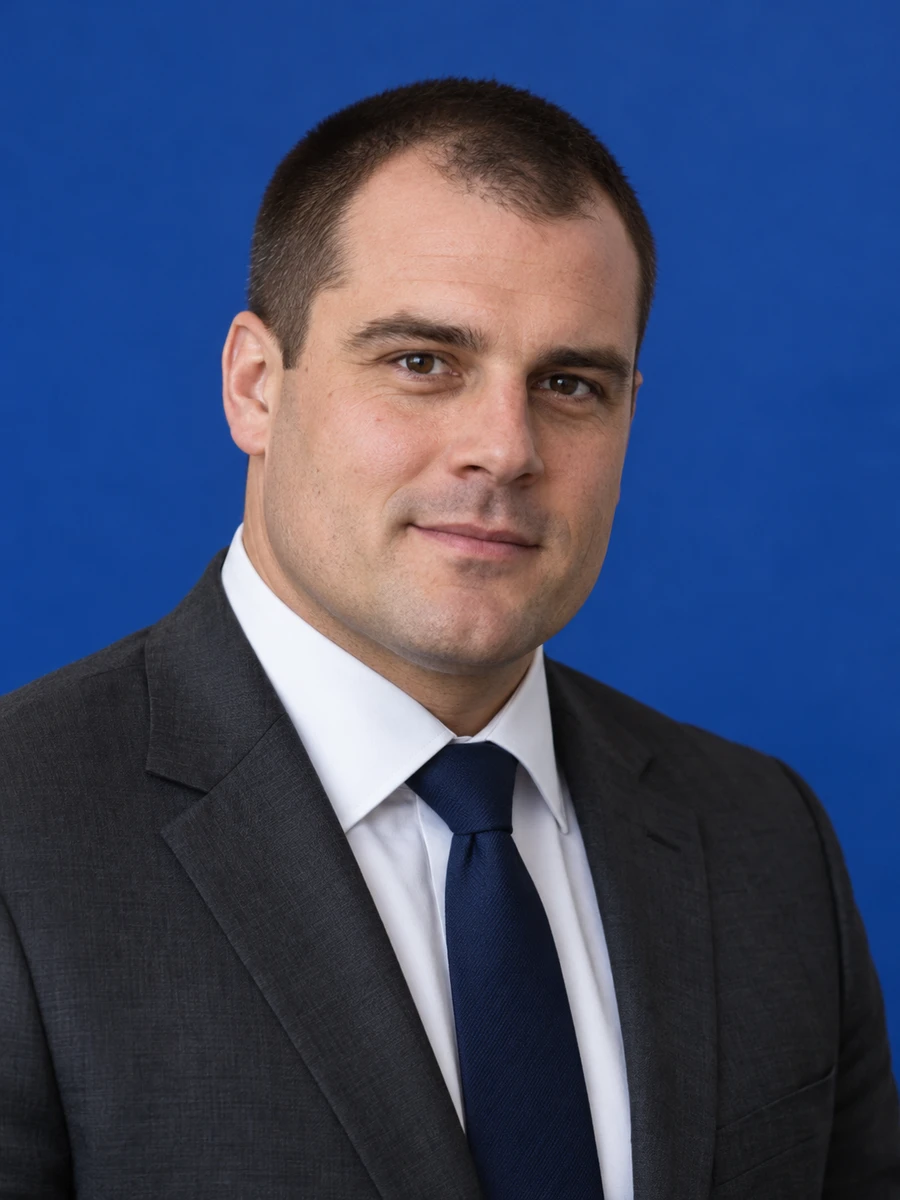

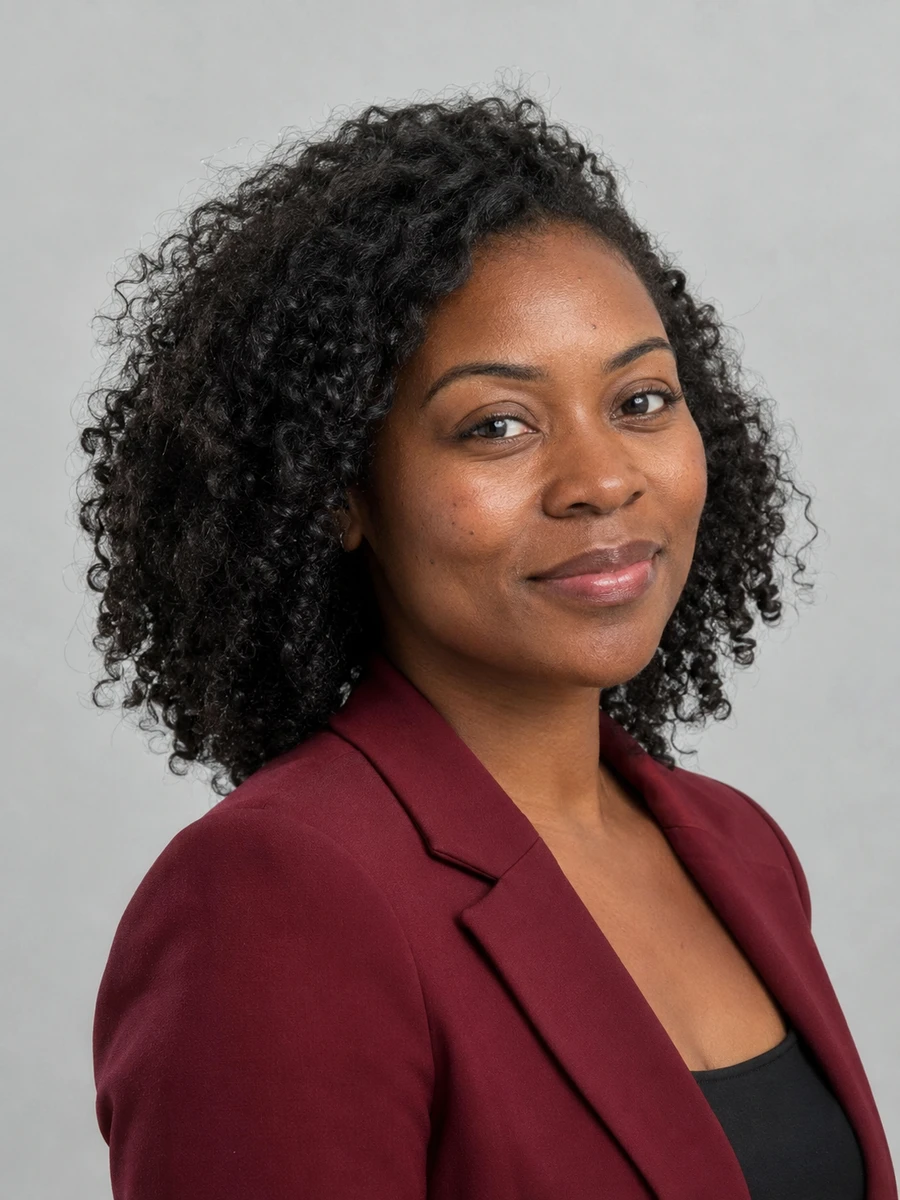
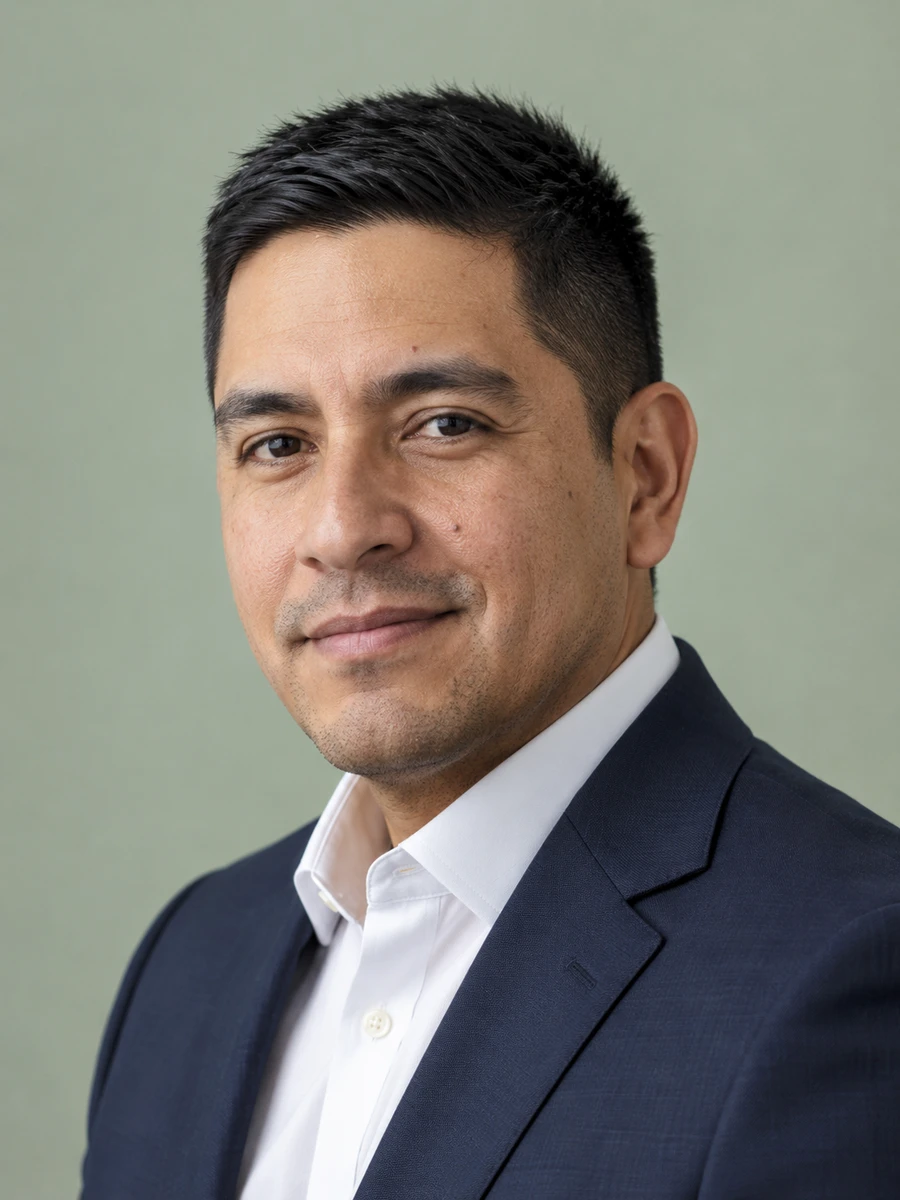
Clients read your biography to understand the expertise behind a proposal. A clear consultant headshot makes the introduction personal, whether you work independently, advise executives or represent a larger consulting practice.
Choose a formal portrait for corporate advisory work or a relaxed business look for a product and technology practice.
Use a primary portrait across your website, team introduction and proposal bio so clients see the same person throughout the engagement.
Create a professional profile photo without setting aside a full day for a studio session, travel and outfit changes.
Compare outfits and backgrounds when moving from an in-house role to advisory work or updating the focus of your practice.
Introduce the person behind the service on your about page and individual practice profile.
Place a recognizable portrait beside your relevant experience and role in the project.
Create a clear image for a specialist directory or freelance profile, where permitted.
Match your profile photo to the professional identity you use with clients.
Help participants recognize you before a strategy session, training day or client event.
Add a consistent portrait to your articles, research summaries and industry commentary.
Choose clear photos with your face visible, natural lighting and no heavy filters. Use only photos of yourself.
Explore 75 outfits, 41 backgrounds, 76 hairstyles and 10 poses. Start with a style suited to the place where you will use the portrait.
Headshots are typically ready in about 3 minutes. Compare each result with your real appearance, inspect details and download the portraits you want to use.
Use these combinations as a starting point, then match the requirements of your employer, platform or publication.
| Use case | Suggested outfit | Suggested background |
|---|---|---|
| Management consulting | Suit or structured blazer | Neutral gray or navy |
| Technology advisory | Open-collar shirt, simple jacket | Light studio background |
| Independent practice | Business casual aligned with your niche | Uncluttered neutral |
| Workshop biography | Approachable business casual | Bright, softly blurred setting |
| Proposal team page | Match the proposed team's formality | Consistent across all bios |
| Consideration | Traditional photographer | AIHeadshotNow |
|---|---|---|
| Getting started | Arrange a session and prepare for the shoot | Upload 1–3 selfies online |
| Creative direction | In-person guidance and custom lighting | Choose from available outfit and background styles |
| Timing | Depends on booking and editing schedules | Typically about 3 minutes to generate |
| Trying the service | Terms depend on the photographer | 3 free headshots to review |
| Final selection | Review the photographer's delivered portraits | Check generated portraits for likeness and artifacts |
Choose a photographer when you need a specific location, live direction or an original photograph required by an institution. Generation times can vary.
A strategy consultant, a cybersecurity adviser and a creative consultant may serve very different buyers. Choose clothing and a background that feel familiar to your intended clients. Let the portrait support the experience in your biography rather than suggesting credentials or results you do not have.
For proposals, review the headshot at the size it will appear in the final document. A clean background and simple crop usually survive a small team-bio layout better than a detailed office scene. Keep your website and proposal portraits aligned so a referral can recognize you quickly.
For another context, explore executive headshots, entrepreneur headshots, professional headshots.
A good consulting portrait looks current, recognizable and appropriate for your clients. Clear eyes, even lighting and a simple background make the photo easy to use on a website or in a proposal.
It depends on the practice. Corporate strategy or financial advisory work may suit formal attire, while a technology or creative consultancy may prefer business casual. Match your audience and existing brand.
Yes, a consistent portrait can connect your proposal bio with your online profile. Keep both a close square crop and a wider version, and check the receiving platform's image rules.
Choose a shared background tone, similar framing and a clear dress standard. Review each person's result for accurate likeness as well as visual consistency.
You can try 3 free headshots before deciding whether to purchase more. Review the previews for likeness and style, and check the current pricing on the home page before buying a pack.
Use 1–3 recent, well-lit photos with your face clearly visible. Avoid sunglasses, heavy beauty filters, group photos and extreme angles. Always inspect generated results before using them publicly.
Start with your own selfies. Try 3 free headshots and choose the result that represents you best.