
A recognizable local presence
Choose a current portrait that clients can connect with the person they meet at a viewing or listing appointment.
Real Estate Agent · Professional AI headshots
Create professional real estate agent headshots for brokerage profiles, business cards and property marketing. Generate realtor portraits from selfies. Try 3 free.


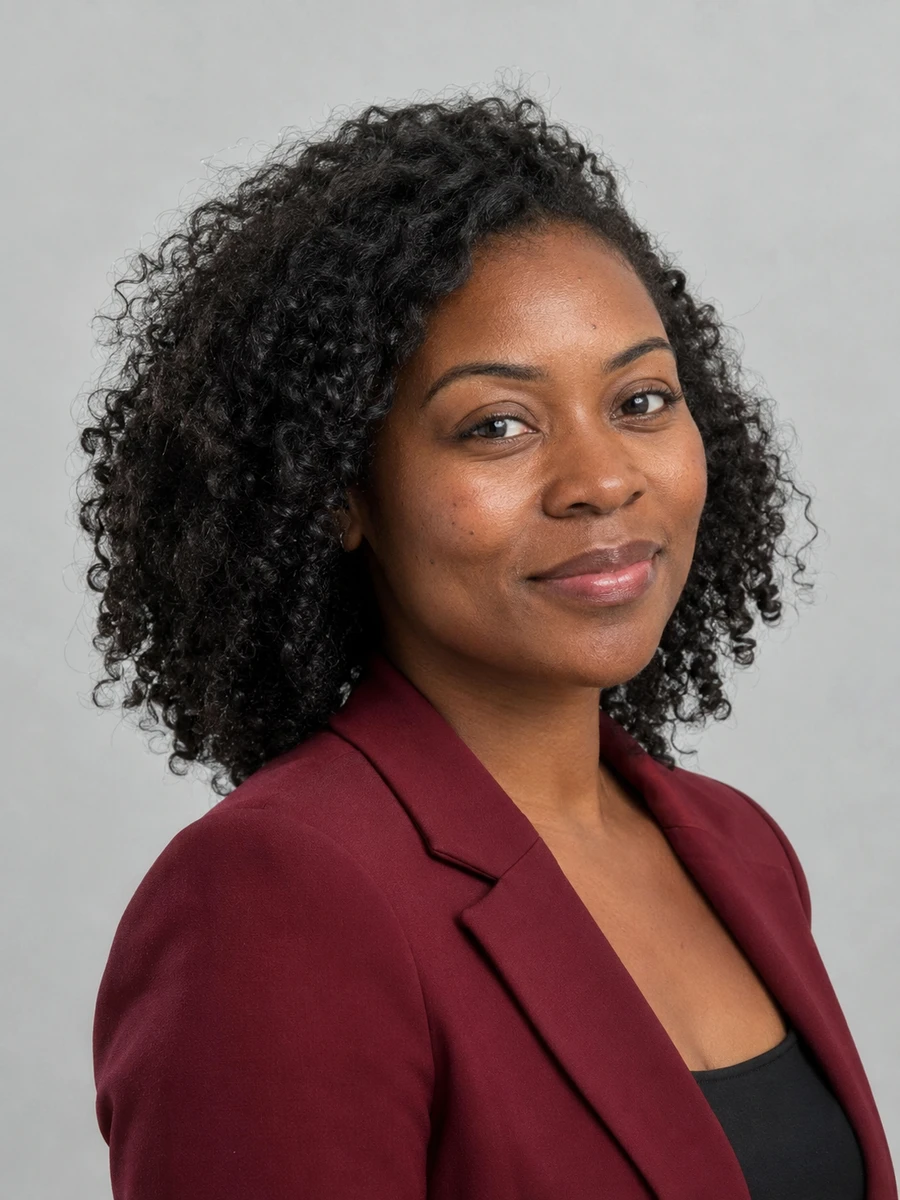

Your photo can appear on a listing page, a business card and a neighborhood mailer in the same week. Choose a friendly, recognizable real estate headshot that stays consistent across your brokerage profile and personal marketing.
Choose a current portrait that clients can connect with the person they meet at a viewing or listing appointment.
Use clear facial framing and a simple background so your agent photo remains legible beside a property listing.
Compare background colors and outfit styles against your brokerage's guidelines before adding a portrait to the team page.
Try formal and business-casual portraits to find a style that fits your market, from a corporate relocation service to a neighborhood-focused practice.
Match your office's visual standards for background, crop and overall formality.
Use a clear, friendly agent portrait wherever your listing platform accepts it.
Choose a simple composition and inspect the portrait at its actual printed size.
Keep your flyer photo consistent with your agent profile so visitors can recognize you.
Carry one recognizable portrait across postcards, local newsletters and email campaigns.
Create a consistent business identity on LinkedIn and your professional social accounts.
Choose clear photos with your face visible, natural lighting and no heavy filters. Use only photos of yourself.
Explore 75 outfits, 41 backgrounds, 76 hairstyles and 10 poses. Start with a style suited to the place where you will use the portrait.
Headshots are typically ready in about 3 minutes. Compare each result with your real appearance, inspect details and download the portraits you want to use.
Use these combinations as a starting point, then match the requirements of your employer, platform or publication.
| Use case | Suggested outfit | Suggested background |
|---|---|---|
| Brokerage directory | Follow the office dress standard | Approved brokerage color |
| Residential agent profile | Blazer or polished business casual | Bright, neutral background |
| Luxury property marketing | Understated tailored outfit | Quiet, refined studio tone |
| Commercial real estate | Business suit or structured jacket | Gray or muted blue |
| Community newsletter | Approachable business casual | Light, uncluttered setting |
| Consideration | Traditional photographer | AIHeadshotNow |
|---|---|---|
| Getting started | Arrange a session and prepare for the shoot | Upload 1–3 selfies online |
| Creative direction | In-person guidance and custom lighting | Choose from available outfit and background styles |
| Timing | Depends on booking and editing schedules | Typically about 3 minutes to generate |
| Trying the service | Terms depend on the photographer | 3 free headshots to review |
| Final selection | Review the photographer's delivered portraits | Check generated portraits for likeness and artifacts |
Choose a photographer when you need a specific location, live direction or an original photograph required by an institution. Generation times can vary.
A real estate agent headshot needs to work in unusually small and large formats. Test a square directory crop and a business-card preview before choosing it for a wider campaign. Leave space around your hair and shoulders so designers can adapt the photo without an awkward crop.
Confirm the brokerage's approval process before printing. Review the face, clothing edges and background at full size; generated details can look convincing in a thumbnail and need correction at print scale. Ask the printer which file dimensions and resolution the final design needs.
For another context, explore LinkedIn headshots, consultant headshots, professional headshots.
Choose clothing that suits your brokerage and local market. A blazer, plain shirt or polished business-casual outfit often works well. Keep patterns and accessories simple so your face remains the focus.
Check your brokerage's photo and AI-content policies first. If permitted, submit a current, recognizable portrait and follow its background and crop requirements.
Check the downloaded image dimensions against the card designer's requirements. Inspect the image at print size and use the original download rather than a screenshot or a social-media copy.
Using the same primary portrait across your agent website, listing profiles and cards can help people recognize you. Follow each platform's requirements and update the set when your appearance changes.
You can try 3 free headshots before deciding whether to purchase more. Review the previews for likeness and style, and check the current pricing on the home page before buying a pack.
Use 1–3 recent, well-lit photos with your face clearly visible. Avoid sunglasses, heavy beauty filters, group photos and extreme angles. Always inspect generated results before using them publicly.
Start with your own selfies. Try 3 free headshots and choose the result that represents you best.