
Everyone's photo style looks different?
Unified visual style for a more consistent website
Set the same background and pose for members, and offer suitable outfit options, so team portraits stay consistent across your website and external materials.
Get professional headshots better than traditional photography, with a consistent style for your whole team. Generate them quickly and manage everyone in one place.
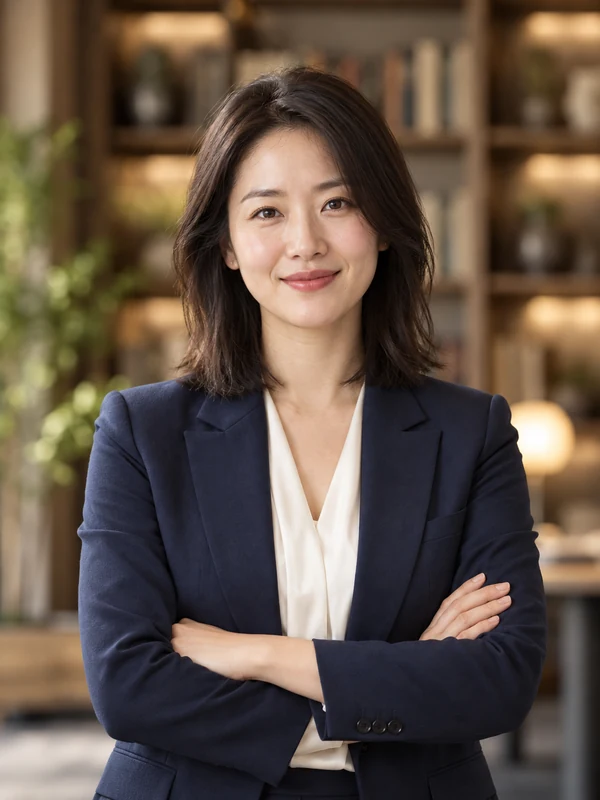






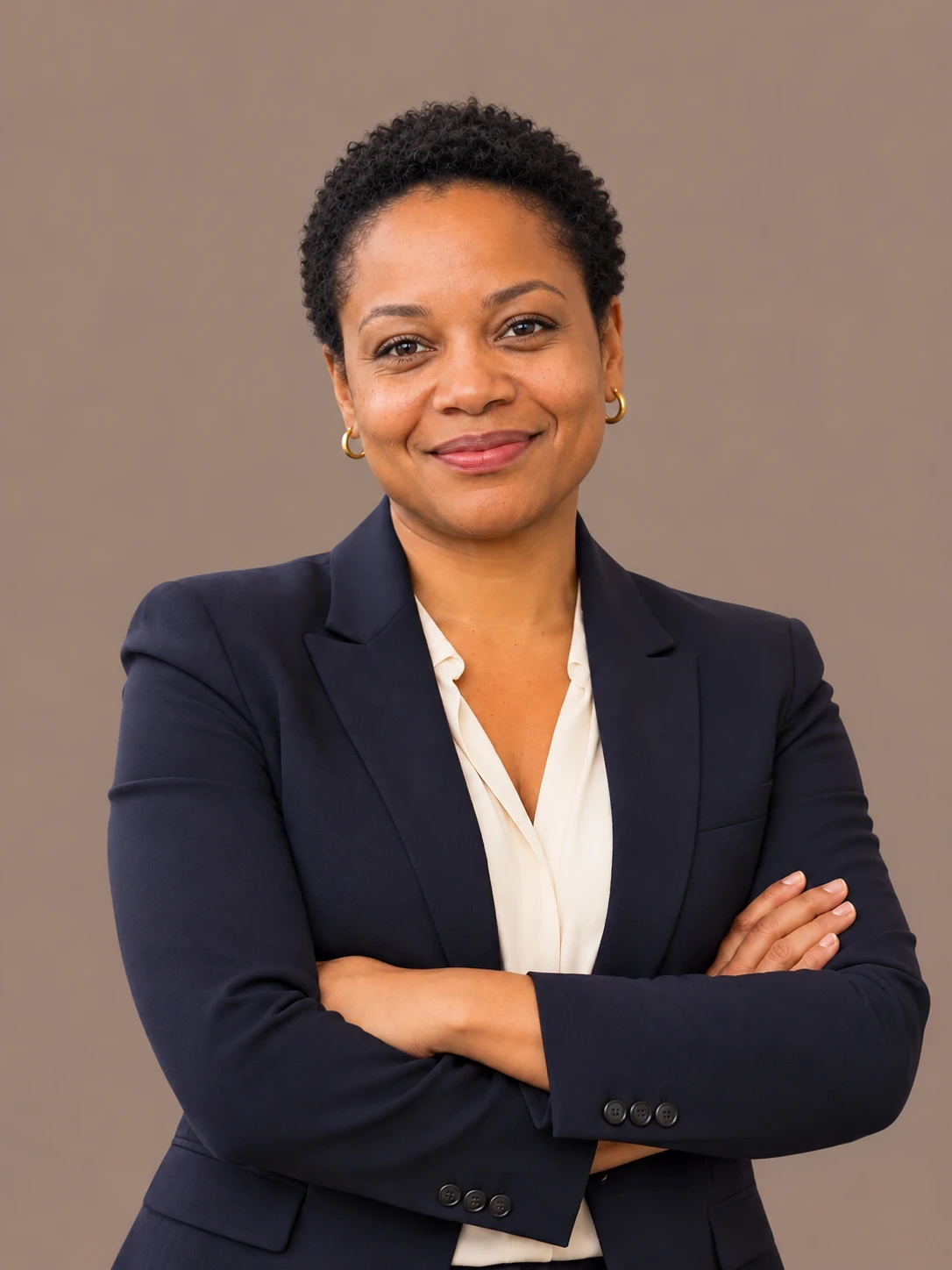
Present a polished, professional image
Set outfits, poses, and backgrounds once
For your website, hiring, and brand
Member status, style settings, and team photos — all in one place.
Add member emails and share the team invitation link.
Choose photo ratio, outfits, poses, and backgrounds.
View each member's photos, or download all photos as a package.
Invite your people. Keep every headshot on brand.
| Member | Membership | Photos | Credits left | Action | More options |
|---|---|---|---|---|---|
 Olivia Chenolivia.chen@example.com | Joined | 1 | 19 | ||
 James Wilsonjames.wilson@example.com | Joined | 1 | 19 | ||
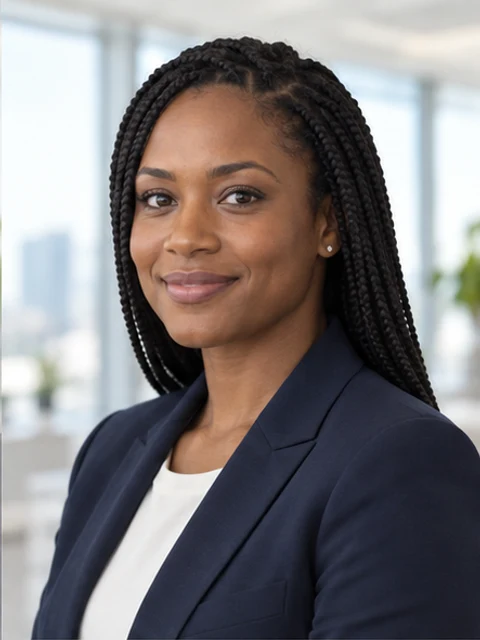 Maya Patelmaya.patel@example.com | Joined | 1 | 19 | ||
 Daniel Kimdaniel.kim@example.com | Joined | 1 | 19 | ||
EM Emma Davisemma.davis@example.com | Invited | 0 | 20 |
You can pause the demo and try inviting members, setting styles, and viewing photos yourself. Actions in the demo won't affect your real team.
See who has joined, how many photos they have, and how much generation quota remains. Admins set the style and collect photos; members upload selfies.
Search members by email and filter by join status to reduce repeated checking.
Save photo ratio, outfits, poses, and backgrounds so new members can reuse them too.
Open a member's photos to view them, or download all photos packaged by member email.
OliviaJamesMayaDanielThe more people on the team, the more you need consistent standards and a clear collaboration process.
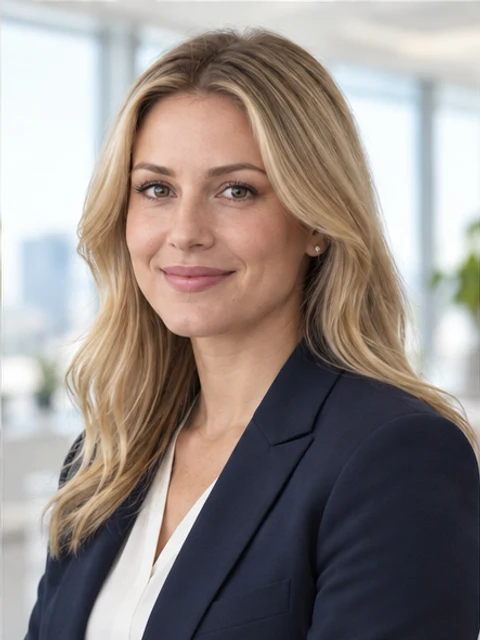
Great for remote teams, teams that are always hiring, and teams that need a consistent public image.
Everyone's photo style looks different?
Set the same background and pose for members, and offer suitable outfit options, so team portraits stay consistent across your website and external materials.
Colleagues are spread across cities and hard to gather for a shoot?
Members can prepare and upload selfies on their own schedule, reducing coordination of venue, travel, and shooting time.
When a new colleague joins, how do you keep portraits consistent?
After adding a new member and sharing the invite link, they can use the existing team style. The admin keeps viewing member status and photos on the same page.
See exactly how your team's photos are handled, from upload to download. The details below align with our privacy policy.
View privacy policyUploaded photos, custom backgrounds, and generated headshots are used only to fulfill your generation request. They are not used to train, fine-tune, or improve our models, and are never sold or shared for training.
Photos are sent to the image-processing providers needed to fulfill the request. Server-side reference files are temporarily encrypted and deleted once processing is complete.
Team orders and credits are valid forever. Team-generated photos are kept for 365 days, then automatically removed; members can also delete them earlier. Please download any photos you need to keep long-term.
One-time purchase. One credit per photo.
One-time payment. No subscription.
From team collaboration to brand image, hear what they have to say.
“Scheduling professional headshots for the whole team used to be a hassle—coordinating everyone's schedule, finding a location, and managing the budget. Now team members just upload their own photos and get professional, consistent headshots. The process is simple and efficient, saving us a lot of time.”
HR Director · Tech company
“We always wanted consistent team photos on our company website, but traditional shoots made it hard to coordinate everyone's availability. AIHeadshotNow finally solved this. The generated headshots look natural, and the backgrounds, lighting, and overall style are harmonious, making our team page look far more professional.”
Marketing Manager · Digital marketing agency
“My favorite part is the team management feature. I can see which members have joined, who hasn't uploaded photos, and each person's headshot status. No more back-and-forth confirmation emails—all photos are centralized for viewing and downloading, which makes management much easier.”
Operations Manager · Consulting firm
“As a fast-growing startup, we wanted a professional team image without spending too much on business photography. AIHeadshotNow gave us a very practical solution. Now the whole team has a consistent headshot style, and our website looks more formal and trustworthy.”
Founder & CEO · Startup
“Our team members are spread across different cities, some even remote in different countries, so coordinating an in-person shoot was nearly impossible. Now everyone can upload photos from their own location and get consistent business headshots. For remote teams, this is incredibly convenient.”
HR Operations Lead · SaaS company
“I was initially worried AI-generated business headshots would look unnatural, but the result was much better than expected. The people look real, and the lighting and background are handled professionally. Being able to unify outfits, poses, and background styles across the whole team is especially helpful for brand image management.”
Creative Director · Brand design agency
“We frequently welcome new employees, and updating team photos used to mean rescheduling shoots—a real drain on energy. Now we can reuse the headshot style we set up before, and new members can quickly generate business photos consistent with their colleagues, keeping our team image unified.”
Recruiting Manager · Financial services company
“Collecting team headshots used to mean endless email back-and-forth, and the photos we got often varied in size, background, and style, making them hard to organize. Now we manage everything on one platform, view each member's photos, and download them in bulk. The whole workflow is clearer, and our company image is more professional.”
Business Development Director · Professional services firm
Learn how to invite members, set styles, and download photos.
Choose photo ratio, outfits, poses, and backgrounds in Manage team style. After saving, members can use them. Each setting supports multiple selections, and members choose from the options the admin selected.
No. The admin adds member emails and shares the team invitation link. Members sign in with the matching email and upload their selfies — no need to coordinate a shared time or place.
Yes. The admin can upload reference images for outfits, poses, or backgrounds and add them to the team's options. Outfits and poses also offer a staff-custom option, and backgrounds are set by uploading a reference image.
Each member plan provides a generation quota for one member. The admin can see how many plans are available to assign and each member's remaining quota; more plans can be purchased when needed.
It downloads every photo from all team members, packaged into a ZIP organized by member email. The list shows only each member's first photo, but that doesn't affect the download; search and filters also don't change what's downloaded.
No. After adding the new member's email and sharing the invite link, they can use the saved photo ratio and style. You can also adjust the team settings at any time.