
Match your firm's identity
Compare background tones and framing with the firm's existing attorney directory before choosing a portrait.
Lawyer · Professional AI headshots
Create professional lawyer headshots for law firm websites, attorney profiles and speaking events. Turn selfies into business portraits. Try 3 free.
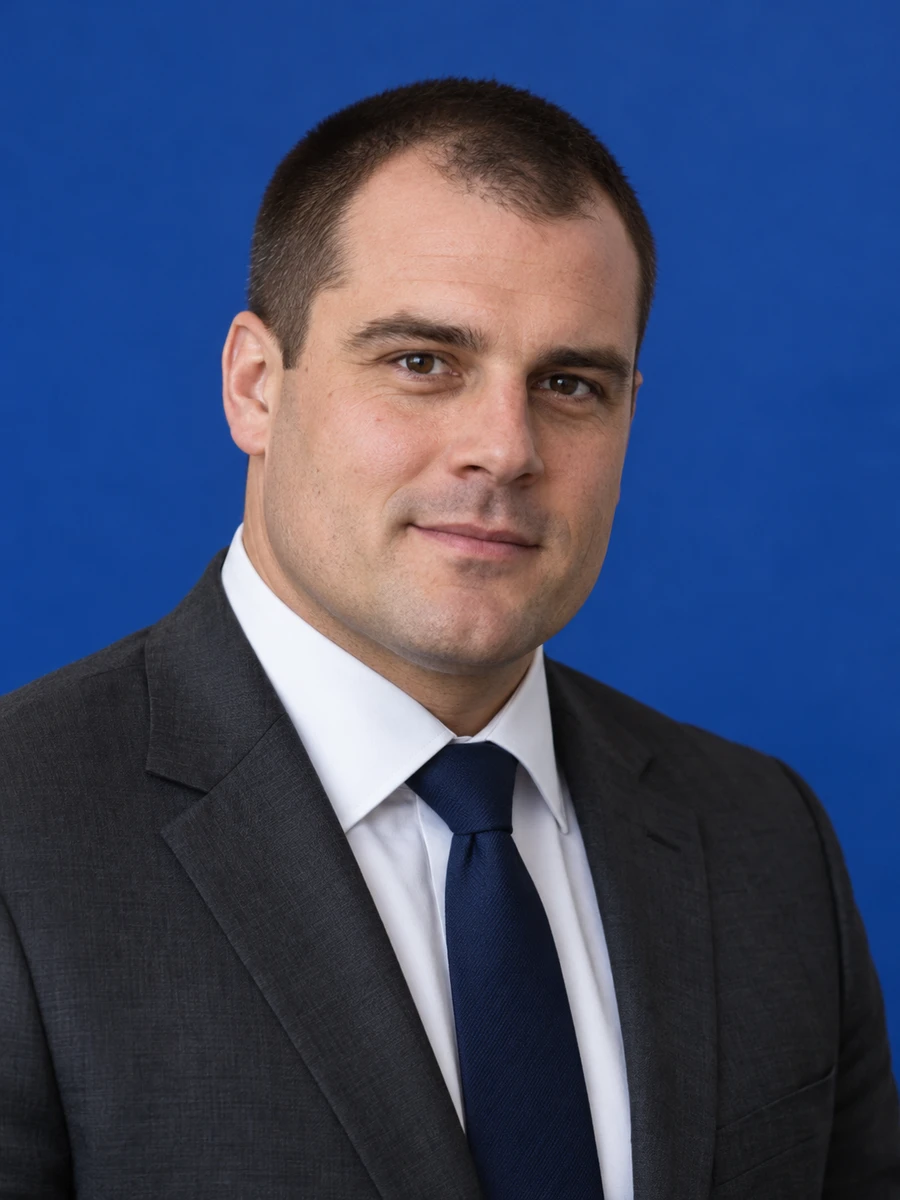

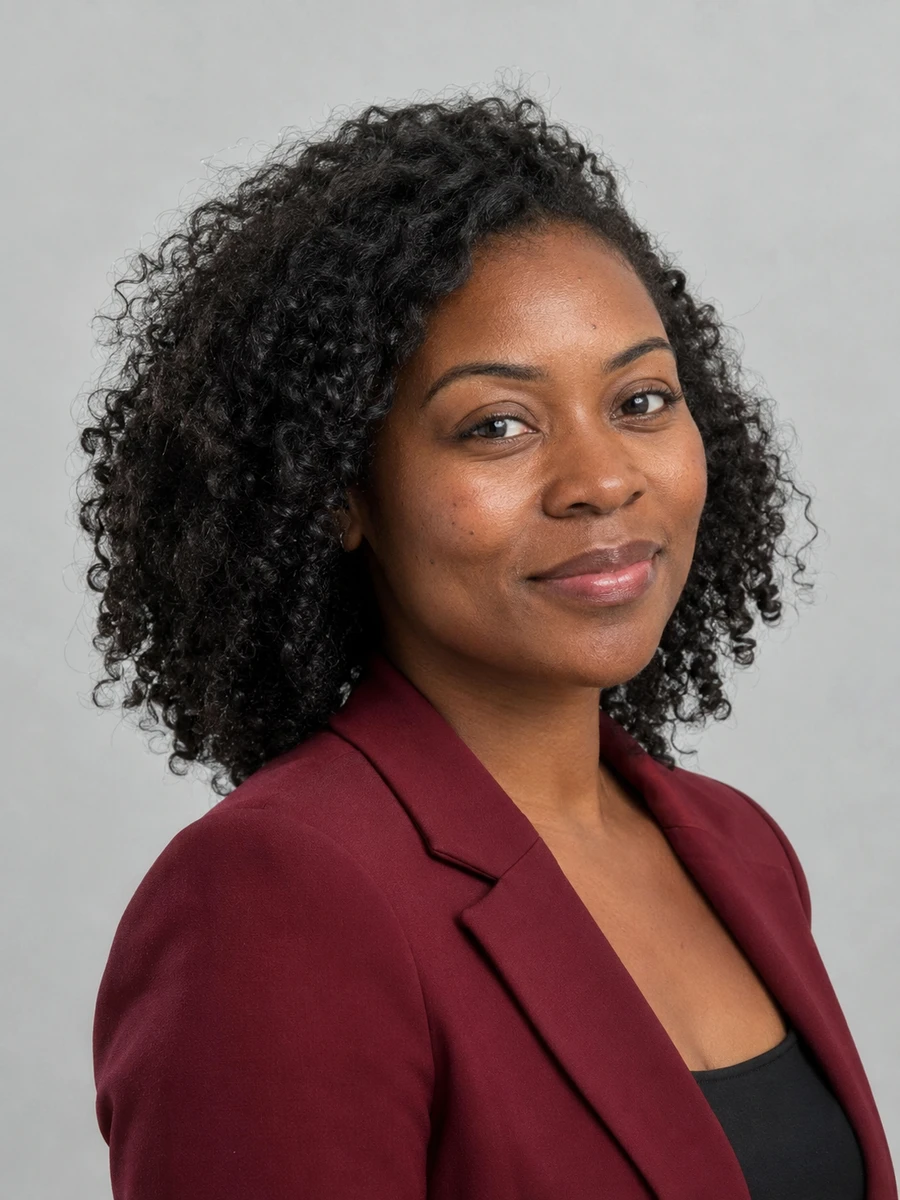
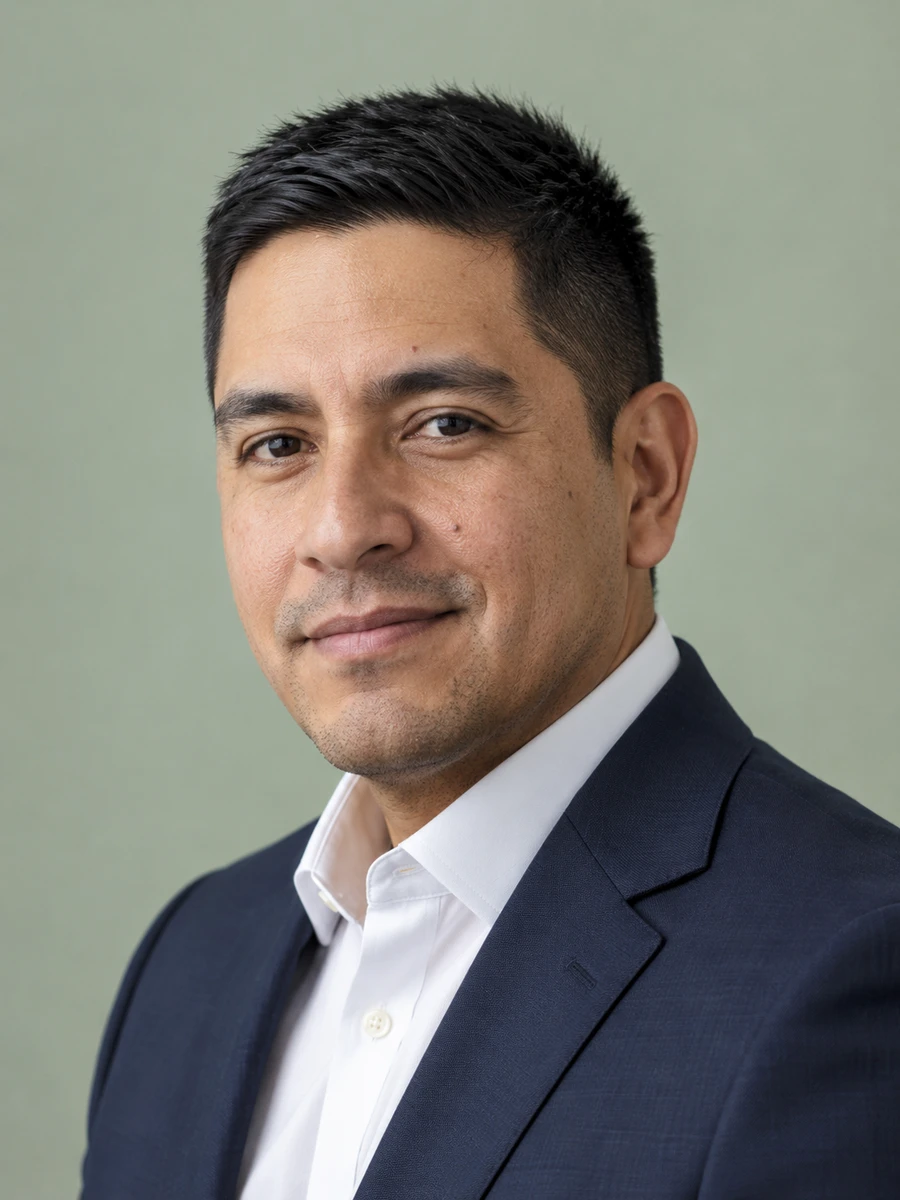
An attorney portrait introduces the person behind the advice. Choose a current, recognizable image that fits your firm's style and the clients you serve.
Compare background tones and framing with the firm's existing attorney directory before choosing a portrait.
A plain shirt, restrained suit and natural expression can introduce both your professional role and your approachability.
Generate portraits from your own selfies when a new biography or event introduction needs an updated image.
Check your likeness in the free images before deciding whether to purchase more variations.
Match the firm's visual guidelines for background, crop and attire.
Keep a consistent, current face across LinkedIn and professional introductions.
Give organizers a clear portrait with room for different crops.
Place a recognizable image alongside your legal commentary.
Choose a simple portrait that remains clear in a small format.
Follow your company's image policy for an internal or public biography.
Choose clear photos with your face visible, natural lighting and no heavy filters. Use only photos of yourself.
Explore 75 outfits, 41 backgrounds, 76 hairstyles and 10 poses. Start with a style suited to the place where you will use the portrait.
Headshots are typically ready in about 3 minutes. Compare each result with your real appearance, inspect details and download the portraits you want to use.
Use these combinations as a starting point, then match the requirements of your employer, platform or publication.
| Use case | Suggested outfit | Suggested background |
|---|---|---|
| Law firm website | Restrained business suit | Match the firm's neutral background |
| Suit or polished business casual | Simple gray or light neutral | |
| Legal conference | Business attire | Quiet studio backdrop |
| In-house counsel | Company-appropriate clothing | Consistent corporate tone |
| Business card | Simple collar and few accessories | Uncluttered background |
| Consideration | Traditional photographer | AIHeadshotNow |
|---|---|---|
| Getting started | Arrange a session and prepare for the shoot | Upload 1–3 selfies online |
| Creative direction | In-person guidance and custom lighting | Choose from available outfit and background styles |
| Timing | Depends on booking and editing schedules | Typically about 3 minutes to generate |
| Trying the service | Terms depend on the photographer | 3 free headshots to review |
| Final selection | Review the photographer's delivered portraits | Check generated portraits for likeness and artifacts |
Choose a photographer when you need a specific location, live direction or an original photograph required by an institution. Generation times can vary.
Review likeness, glasses, teeth and clothing before publication. Ask the firm to approve the image and compare it beside the other attorney biographies.
Do not add generated robes, badges or symbols that imply qualifications or offices you do not hold. Licensing, identity and official registration photos have separate requirements; follow the receiving institution's instructions.
For another context, explore LinkedIn headshots, consultant headshots, executive headshots.
Check your firm's image policy first. If accepted, choose an accurate likeness and obtain approval before publication.
Match your firm's style and audience. A restrained suit is useful for formal biographies; in-house roles may suit business casual.
Do not assume a marketing headshot meets licensing or identity-photo requirements. Follow the authority's rules, including any requirement for an original photograph.
Use a shared background tone, similar head size and an agreed level of formality, while checking each person's likeness individually.
You can try 3 free headshots before deciding whether to purchase more. Review the previews for likeness and style, and check the current pricing on the home page before buying a pack.
Use 1–3 recent, well-lit photos with your face clearly visible. Avoid sunglasses, heavy beauty filters, group photos and extreme angles. Always inspect generated results before using them publicly.
Start with your own selfies. Try 3 free headshots and choose the result that represents you best.