
Approachable physician portraits
Choose a relaxed expression and even lighting. A medical profile photo can feel calm and welcoming without losing the formality of a professional bio.
Doctor · Professional AI headshots
Create professional doctor headshots for practice websites, physician profiles and medical speaker bios. Turn selfies into polished portraits. Try 3 free.
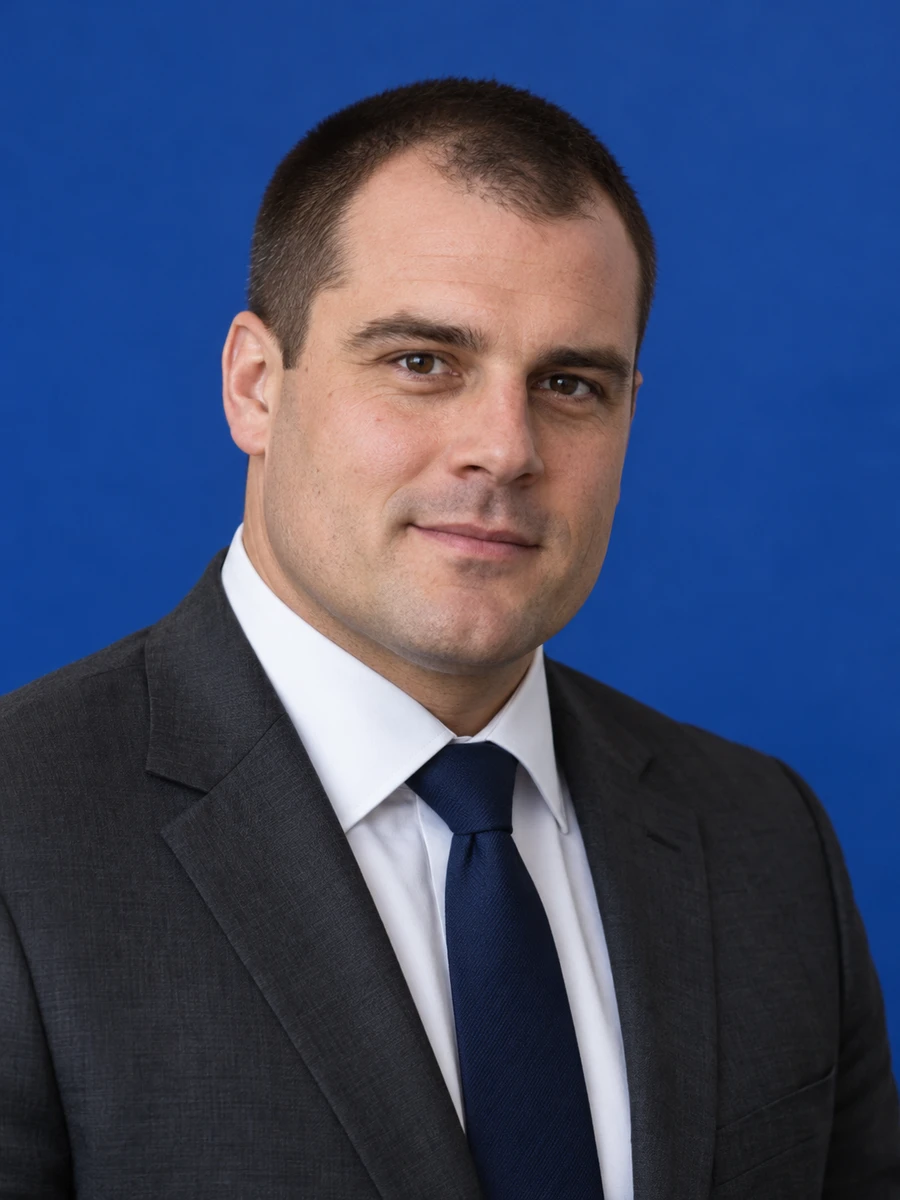
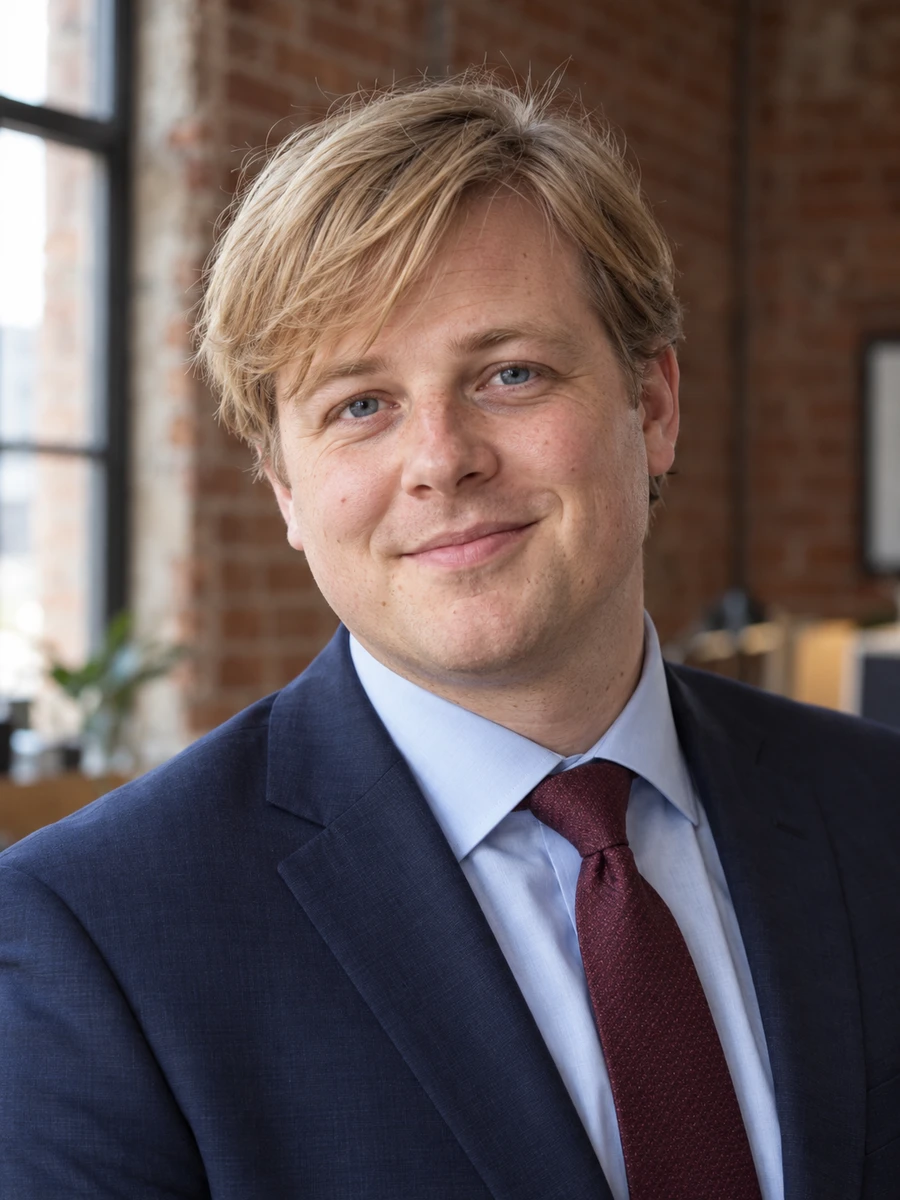
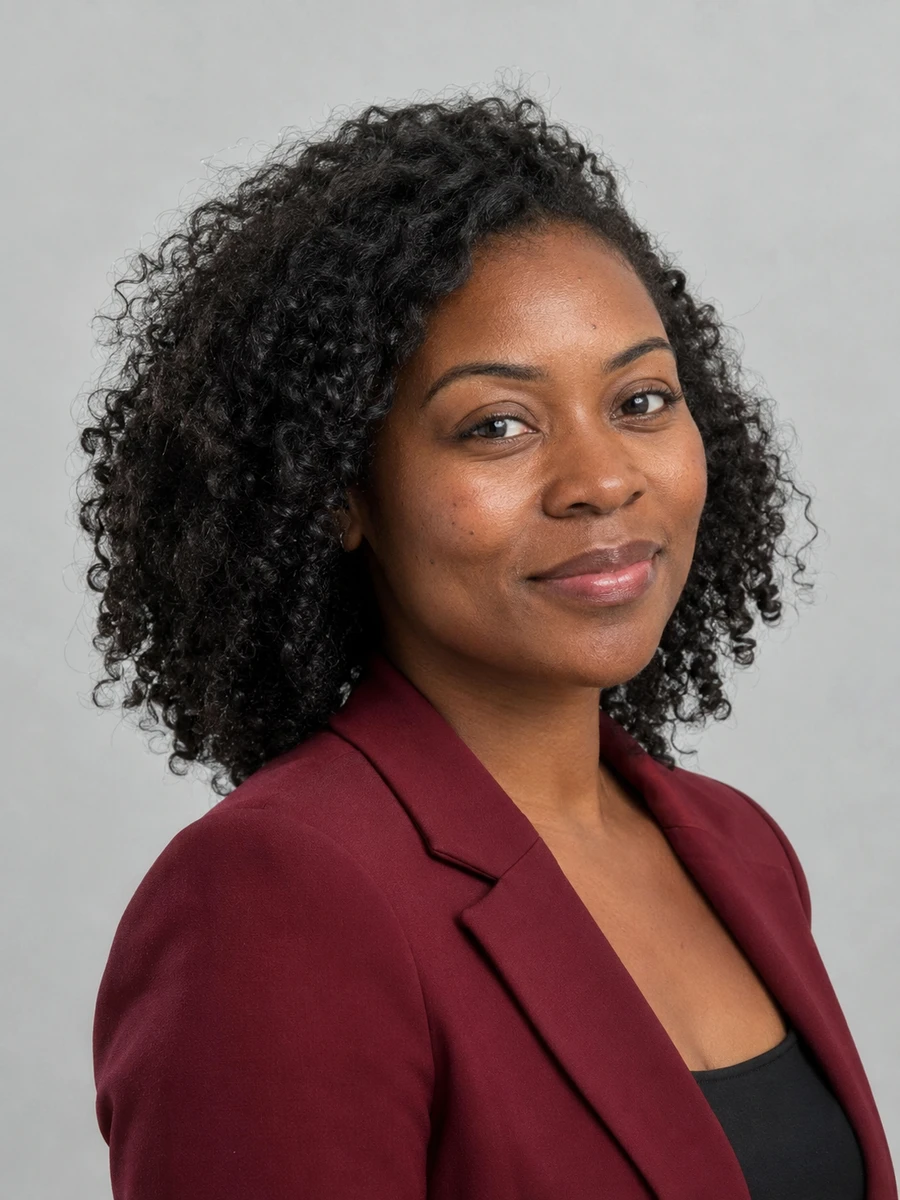
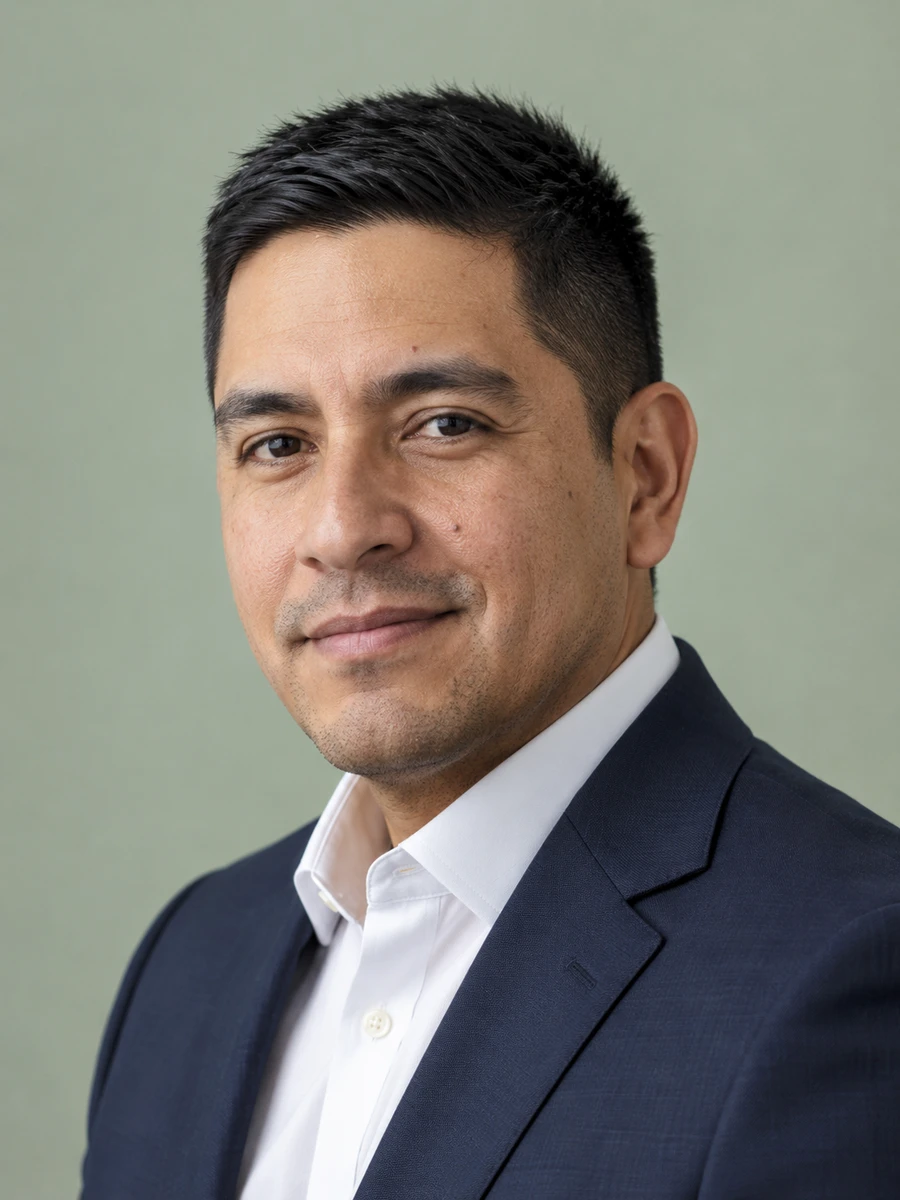
Patients often see a physician profile before their first appointment. A warm, current doctor headshot helps them recognize who they will meet, while a consistent portrait gives your practice directory a more coherent appearance.
Choose a relaxed expression and even lighting. A medical profile photo can feel calm and welcoming without losing the formality of a professional bio.
Generate portraits from existing selfies when you need an updated practice photo and arranging a studio appointment is difficult.
Use the same background color, framing and level of formality across individual profiles. Review each result against your organization's image standards.
Keep a close portrait for a physician directory and a wider composition for a conference biography or practice introduction.
Introduce yourself on the about page with a current portrait beside your specialty and clinical interests.
Prepare a clean profile photo, then confirm your hospital accepts generated imagery before submitting it.
Use consistent framing wherever your practice publishes a physician biography, subject to each directory's rules.
Give organizers a clear speaker headshot that crops comfortably beside your presentation title.
Pair your professional portrait with an article introduction, laboratory page or educational profile.
Use a business portrait for LinkedIn, professional associations and nonclinical introductions.
Choose clear photos with your face visible, natural lighting and no heavy filters. Use only photos of yourself.
Explore 75 outfits, 41 backgrounds, 76 hairstyles and 10 poses. Start with a style suited to the place where you will use the portrait.
Headshots are typically ready in about 3 minutes. Compare each result with your real appearance, inspect details and download the portraits you want to use.
Use these combinations as a starting point, then match the requirements of your employer, platform or publication.
| Use case | Suggested outfit | Suggested background |
|---|---|---|
| Private practice bio | Plain shirt or understated blazer | Bright neutral background |
| Hospital directory | Follow the hospital's dress guidelines | Approved directory background |
| Medical speaker bio | Business professional attire | Gray or muted blue studio |
| Research profile | Simple business casual | Quiet, uncluttered setting |
| LinkedIn physician profile | Blazer or professional top | Light neutral background |
| Consideration | Traditional photographer | AIHeadshotNow |
|---|---|---|
| Getting started | Arrange a session and prepare for the shoot | Upload 1–3 selfies online |
| Creative direction | In-person guidance and custom lighting | Choose from available outfit and background styles |
| Timing | Depends on booking and editing schedules | Typically about 3 minutes to generate |
| Trying the service | Terms depend on the photographer | 3 free headshots to review |
| Final selection | Review the photographer's delivered portraits | Check generated portraits for likeness and artifacts |
Choose a photographer when you need a specific location, live direction or an original photograph required by an institution. Generation times can vary.
For a professional medical headshot, prioritize your current appearance over dramatic retouching. Keep your face unobstructed and choose an expression that feels natural for a first patient introduction. The sample portraits on this page show business attire; they do not demonstrate specialty uniforms.
Use only attire that accurately reflects your role. Do not rely on generated badges, embroidered names, stethoscopes or other clinical details: AI can render them incorrectly. For official staff identification or a credentialing submission, follow the institution's photo requirements and use an original photograph when required.
For another context, explore LinkedIn headshots, professional headshots, executive headshots.
Check your practice's image policy first. If AI portraits are accepted, choose a result that closely matches your current appearance and review any clothing or medical details for errors before publishing.
A white coat is not essential for every professional bio. Business attire can suit a practice introduction, research page or speaker profile. Follow the requirements of the organization publishing the image.
A marketing portrait is different from an identification or credentialing photo. Do not assume a generated image meets those requirements; follow the institution's instructions.
A light gray, soft blue or other simple neutral background keeps attention on your face. If a hospital or practice uses a fixed background, match its published style guidelines.
You can try 3 free headshots before deciding whether to purchase more. Review the previews for likeness and style, and check the current pricing on the home page before buying a pack.
Use 1–3 recent, well-lit photos with your face clearly visible. Avoid sunglasses, heavy beauty filters, group photos and extreme angles. Always inspect generated results before using them publicly.
Start with your own selfies. Try 3 free headshots and choose the result that represents you best.